Manual VEK S4
14 03/09 FEIG ELECTRONIC GmbH
4 Display and Operation
4.1 Display elements
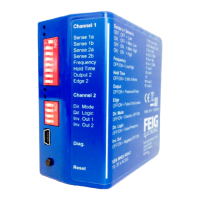
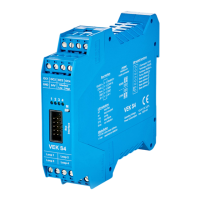
The front panel of the detector contains 4 green LEDs for indicating the respective loop state.
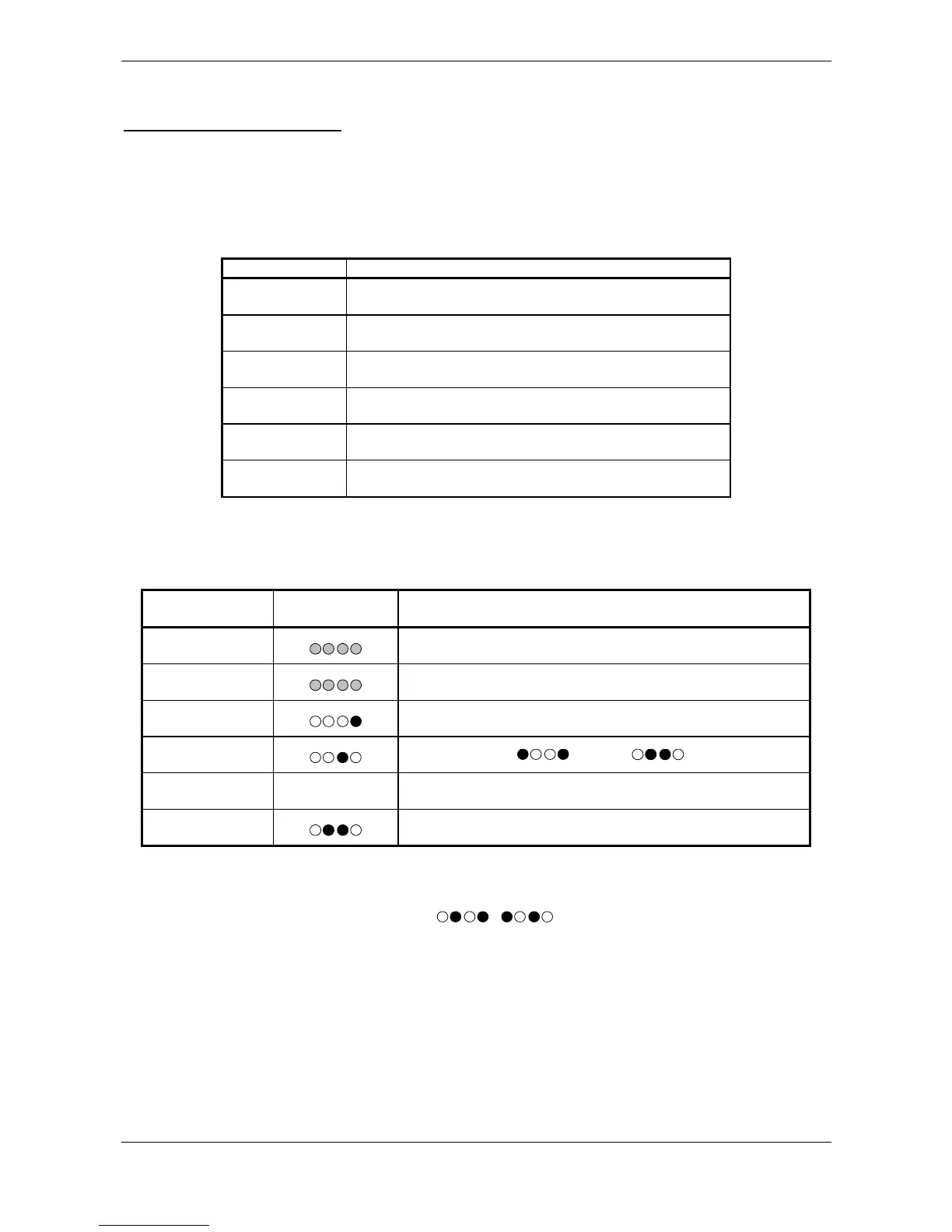
LED behavior in normal operation:
LED Description
off Loop free
on Loop busy or direction pulse
flashes slowly Frequency calibration running
flashes rapidly Loop fault (break or short)
flashes in pairs automatic evaluation of amplitude factor in process
Chain Synchronization indicator in 8s rhythm
4.2 (M)ode button
The following functions can be activated by pressing the M-key on the front panel.
M-key LED display in
binary code
Function
1x short
Uses LEDs 1-4 to display the hardware address set with DIP
switches 1-4.
1x long
Generates a hardware reset
and before that displays the set hardware address
1x short, 1x long Generates a hardware reset
2x short, 1x long Polls the Master ( ) / Slave ( )
...
6x short, 1x long Resets to factory default settings
The number of short presses of the button is indicated on the LEDs in binary code – left 2
3
, right 2
0
For hardware address ‚0’ the flashing sequence / is output.
The transition between long and short button depression is indicated after 1s by rapid flashing of all LEDs.
After an additional second the LED indicators go out to indicate the function is activated. If the button is
released sooner, during the flashing phase, the function is cancelled!


 To Next Page
 Loading...