- 22 -
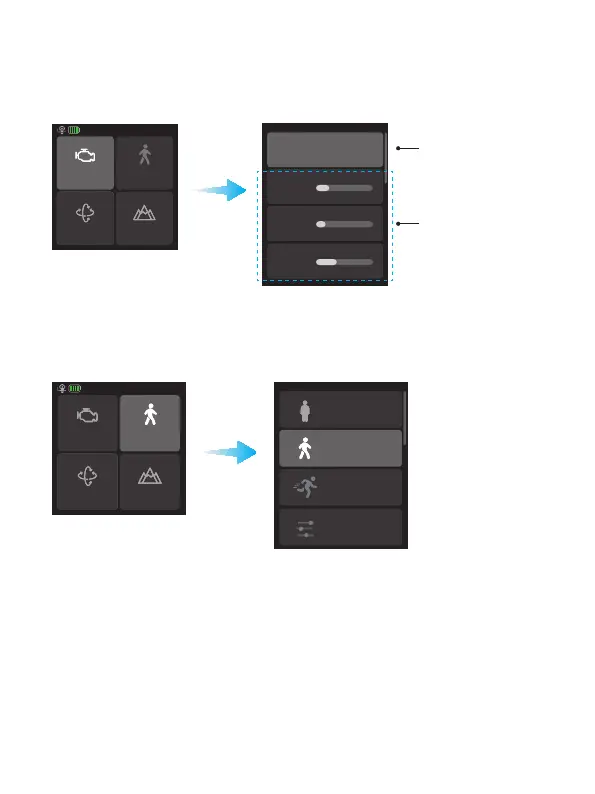
Tips: If the gimbal is vibrating in high frequency, it means the motor power is too
strong. If the gimbal is shaking in low frequency and large amplitude, it means the
motor power is too weak.
Motor power
PTF
Follow speed
Scenario
Auto tune
Pan axis
Tilt axis
Roll axis
Auto tune the motor
power
(Recommend)
Adjust motor power
for each axis manually
8.3.2 Follow speed settings
Tap "Follow speed" in home page, and select dierent preset gimbal follow speed
proles: Slow/Med/Fast, or custom follow speed and dead zone.
Motor power
PTF
Follow speed
Scenario
Slow
Med
Fast
Custom
8.3.3 Follow mode settings
Tap the lower left icon in home page to select follow modes.















 To Next Page