- 3 -
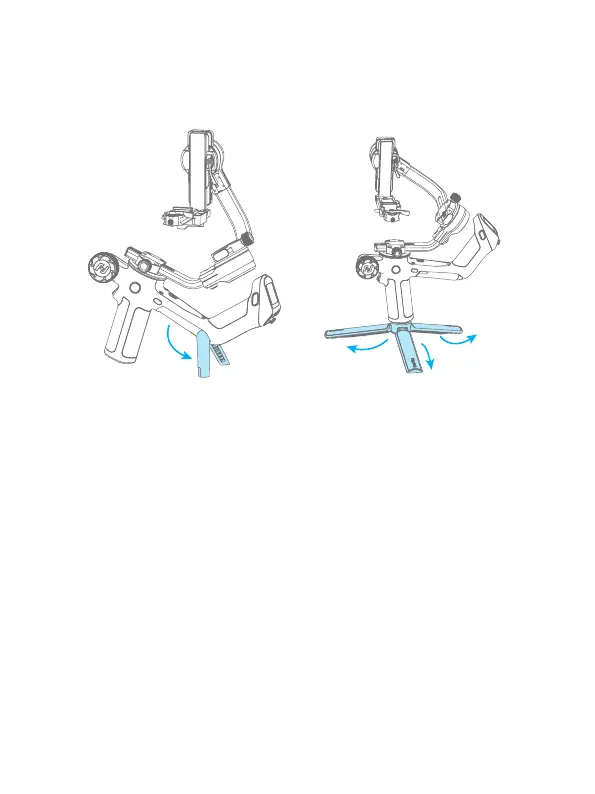
2.3 Using support stand
Users can unfold the built-in kickstand or install tripod to place the gimbal on a at
surface.
Unfold the built-in kickstand Unfold the tripod
3. Mounting the Camera
Before mounting the camera, make sure the camera is ready for shooting (Install the
camera lens, and the lens cover should be removed, the memory card and battery
needs to be inserted to the camera, and battery is fully charged) , complete all the
steps which mentioned in chapter "2. Getting started" and the gimbal is adjusted to
gimbal balancing position. Make sure the gimbal is powered o or in sleep mode
before mounting the camera.
3.1 Attach the quick release plate and camera backing
base(Optional)
Attach the quick release plate to camera by tightening the screw.
User can choose to attach the camera backing base if needed ( For example, when
using a long or heavy lens). Attach the camera backing base to camera, then attach it
to quick release plate by tightening 2 screws.















 To Next Page