- 18 -
8.1.12 Key Combinations
Long press F1 button + F2 button: Clear Bluetooth
*(1) Some features may require specic camera support. You can visit the ocial website to
check the list of compatible devices: https://www.feiyu-tech.com/feiyu-scorp-2/
(2) We recommend using this product in conjunction with the Feiyu SCORP App.
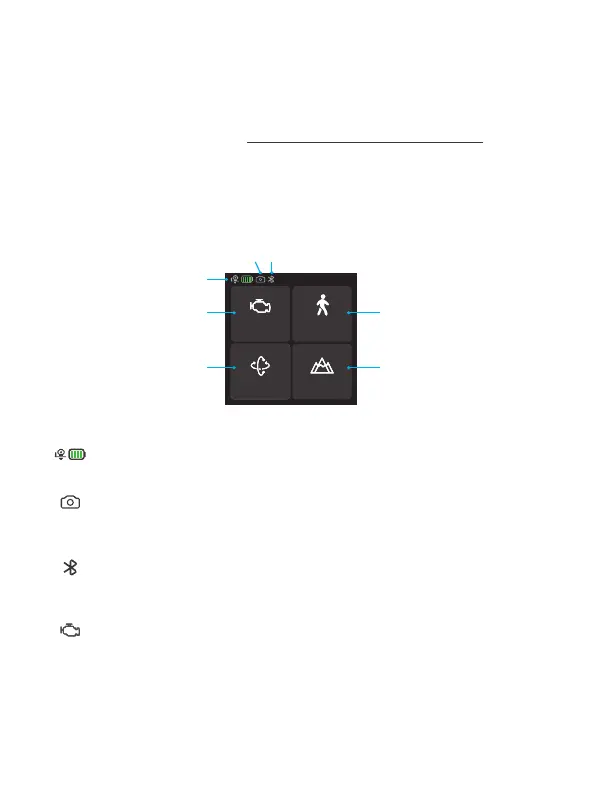
8.2 Touch screen operation
Motor power
PTF
Follow speed
Scenario
[1]
[4] [5]
[6] [7]
Home page
[2][3]
[1] Current battery level
Show the current battery level of gimbal.
[2] Camera connection
Icon appears after camera connect to the gimbal successfully. The icon
won’t be shown if camera doesn’t connect to gimbal.
[3] Bluetooth connection
Icon appears after Bluetooth is connecting. And the icon won’t be shown
if Bluetooth disconnect.
[4] Motor power
Use auto tune to adjust the motor power automatically, or adjust motor
power for each axis manually.















 To Next Page