www.feiyu-tech.com 1918
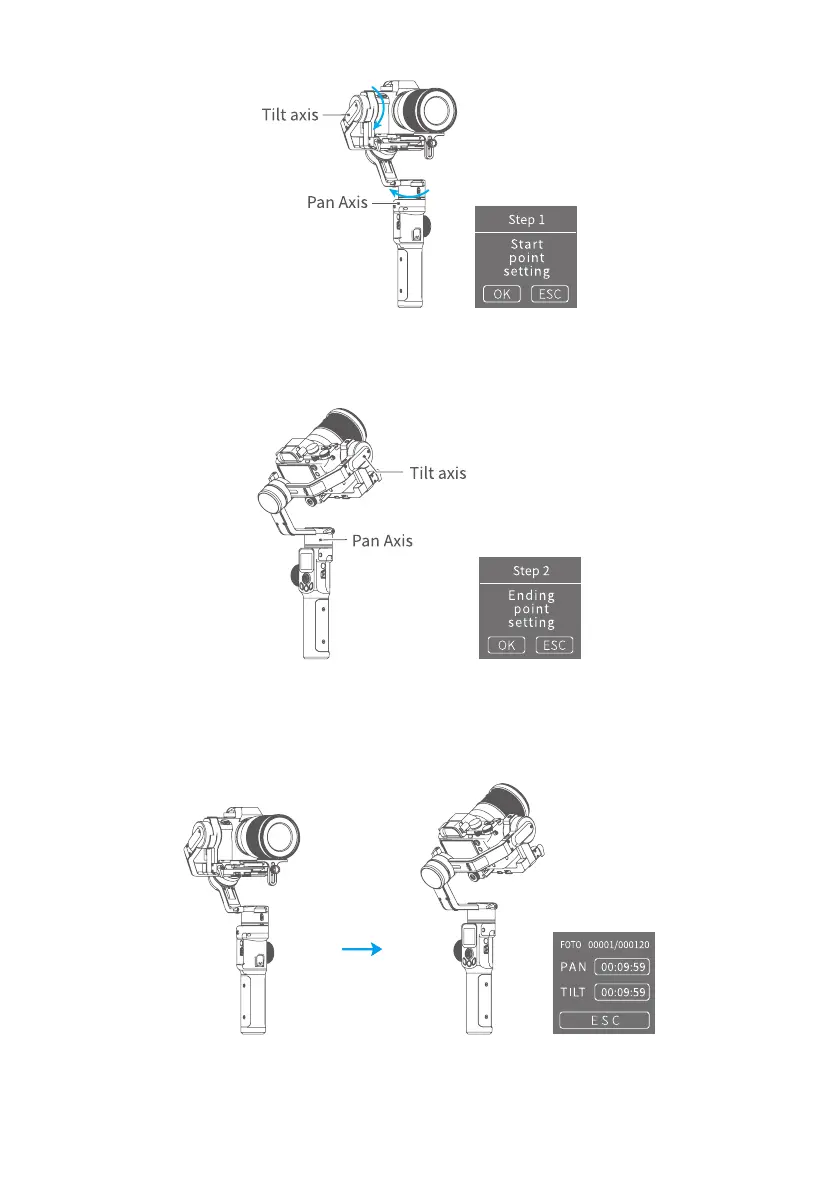
(3) Set the end position
Rotate the pan or tilt axis to a desired position, hold on for 0.5 seconds. Tap OK
on screen to record an end position.
(4) Gimbal rotate automatically from the start position to the end position
gimbal return the start initial position after setting, and then tilt and pan axis will
start to rotate according to the parameter that has been set.



 To Next Page