www.feiyu-tech.com 28
How to connect and use it:
Usage scenario 1
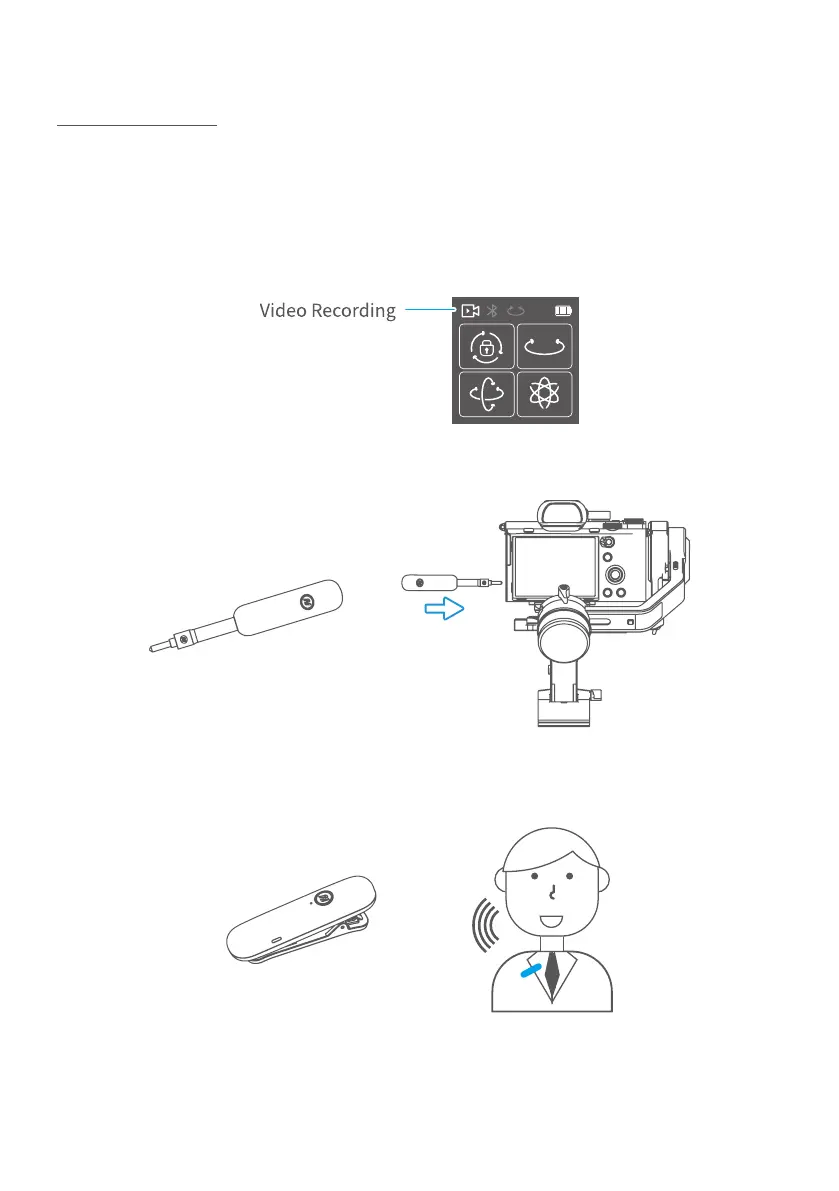
Step 1: Two way to enter video recording mode:
(1) Manually set video mode on camera.
(2) Single tap function button to switch to video mode on gimbal, after it
connected to camera via cable.
Step 2:
Plug in the receiver to camera receiver jack and turn it on.
Step 3: Turn on the MIC, and it is ready to be used. (Wireless communication
distance ≦20mm, please put it close to sound source for ideal recording )



 To Next Page