Page 23
1. Place explate on top of buildplate.
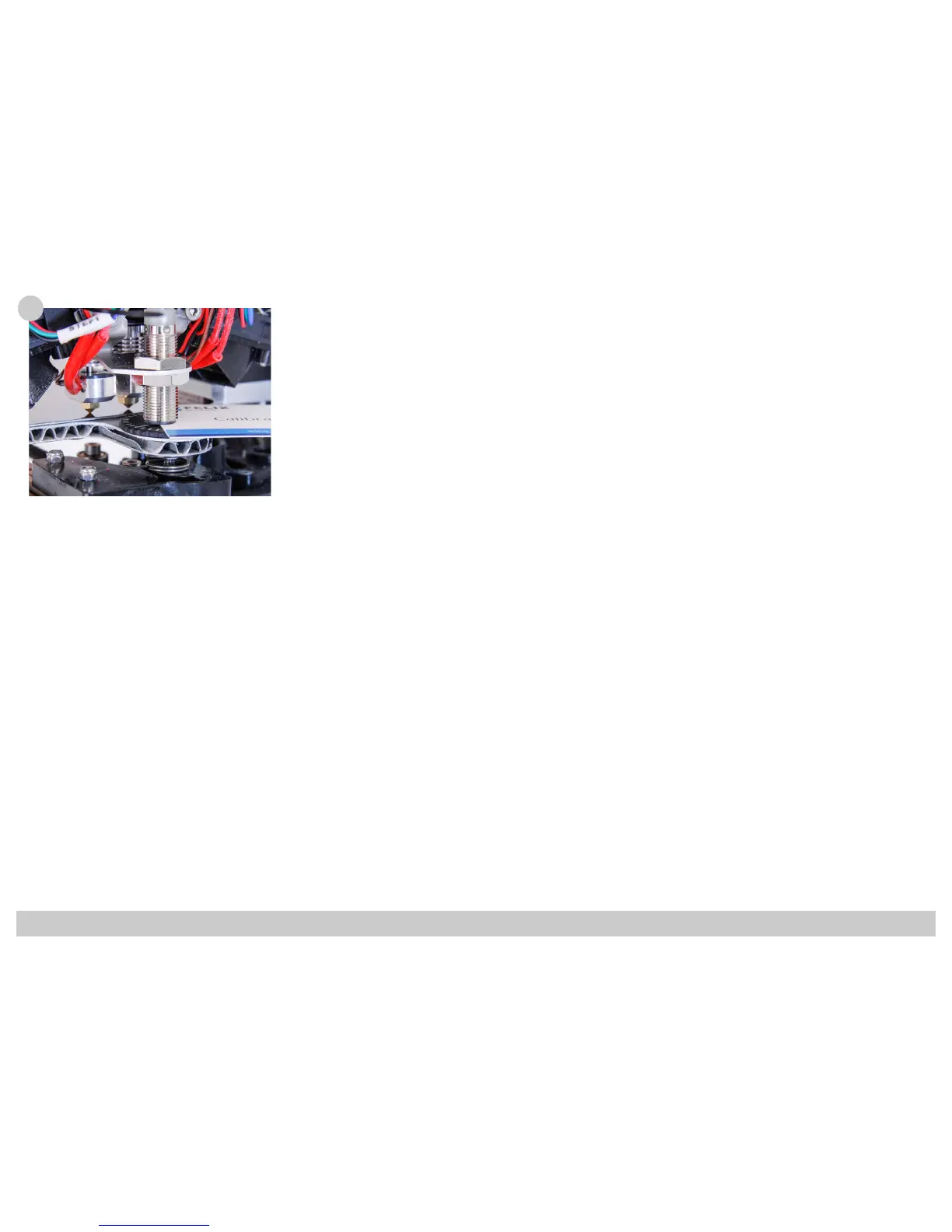
2. Move z-sensor above leveler wheel.
3. Move platform up, until left or right hot-end touches build
plate.
4. Adjust height of z-sensor, until the distance between sensor
and leveler wheel is the thickness of the calibration card.
107
(Detailed Z-height calibration process is explained in the Quick Start Guide)



 To Next Page