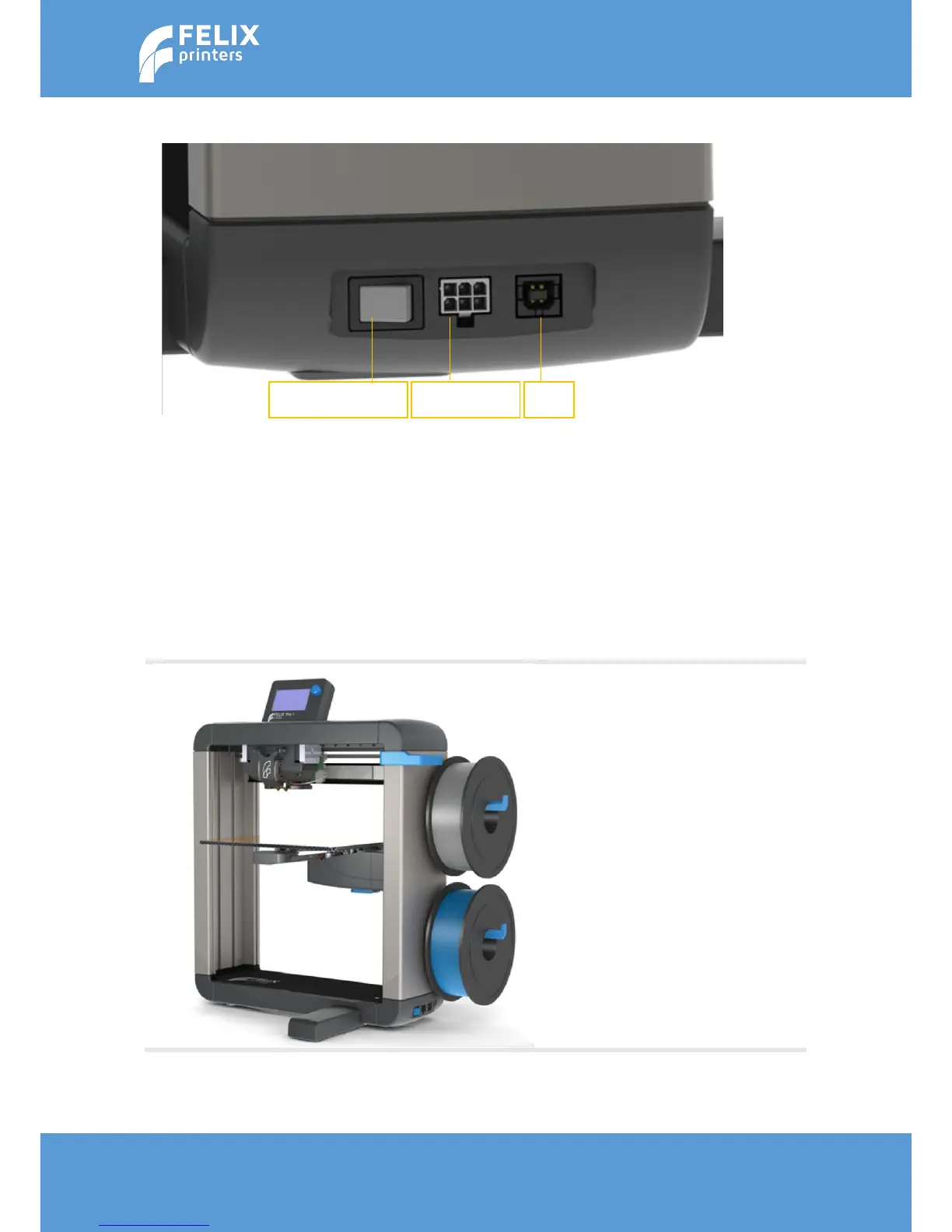
6.6.2 CABLES
1. Turn the power off
2. Insert the power cable and connect with a power outlet.
3. Insert the USB cable and connect it to your computer
4. Turn the power on.
Caution:
Never turn off the printer for longer than 20 seconds while heaters are still above 100degC.
The heat in the heater part of the hot-end can travel upwards if the top part is not actively
cooled. This can cause a clog/filament jam in the hot-end.
Make sure the power is turned off when connecting the display. Failing to do so may cause
serious damage



 To Next Page