14 MAINTENANCE
14.1 Replace hot-end
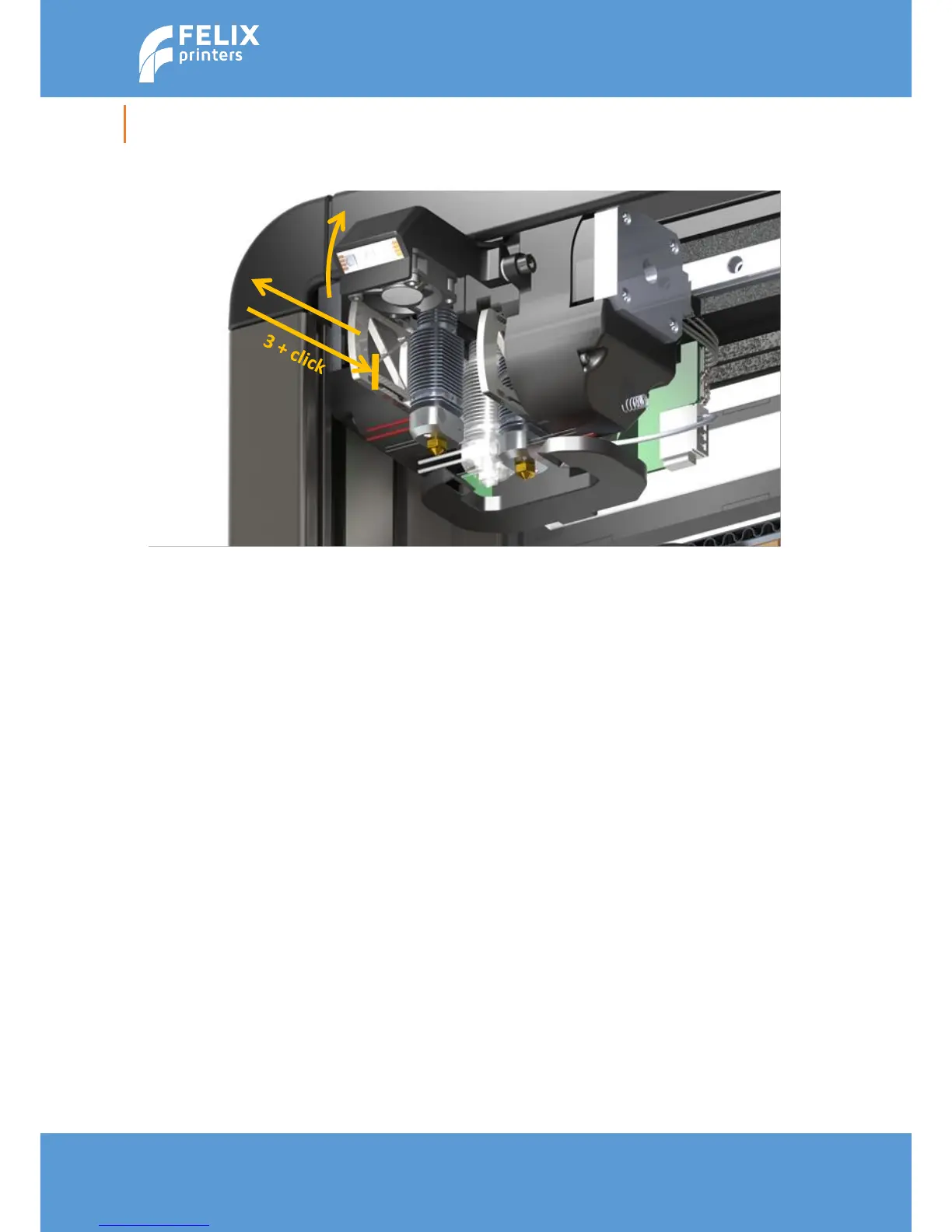
For cleaning or maintenance purposes, the hot-end can be easily removed from the FELIX Pro.
Please take the following steps.
1. Check if there is still filament loaded in the hot-end. If there is no filament loaded, then goto step
4. If yes, from the display unit or PC interface select the correct extruder and heat it up.
2. Retract the filament from the hot-end.
3. Let it cool down.
4. Turn off the printer.
5. Open the cover in front.
6. Remove hot-end connector of the corresponding hot-end.
7. Pull out the hot-end by pulling from the arm.
8. Now replace the hot-end and close the front cover. Don’t forget to place back the edge
connector
Caution: There is a potential risk of burning, as the nozzle can reach temperatures of up to 275°C



 To Next Page