7.2 First checks
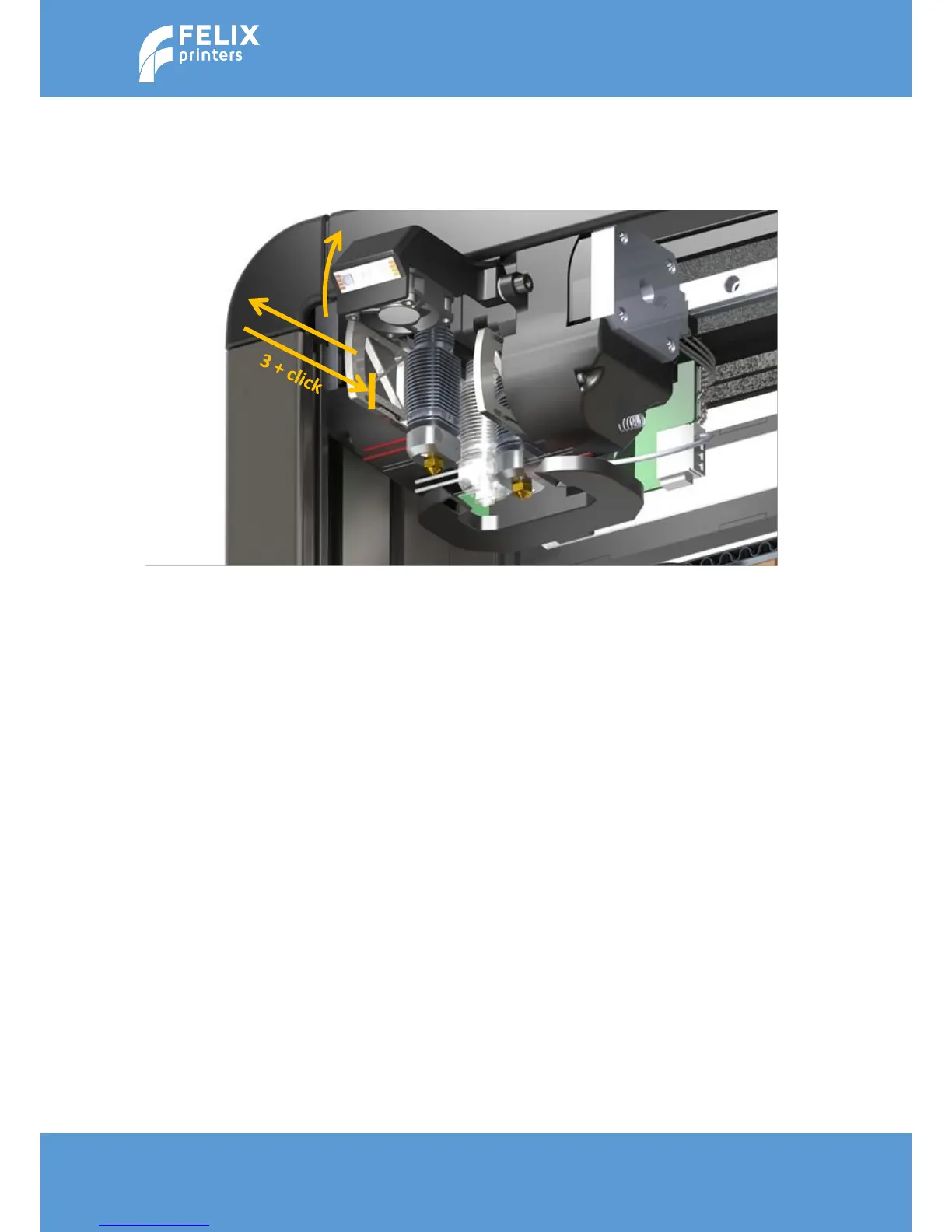
Due to shipping it could happen that the electrical contacts of the probe-mechanism inside the
removable hot-ends are slightly loosened. To ensure this is not the case, please do the following.
1. Open front flap
2. Pull out hot-end a few mm, by pulling on the aluminum flange of the hot-end, and firmly push it
backwards again to ensure the electrical contacts inside the hot-ends are properly connected.
3. When the printer is turned on, please make sure the status message z-sensor triggered!! Is not
shown in the main menu.



 To Next Page