User Manual – FELIX Pro 1
Rev 3
www.FELIXprinters.com
support@FELIXprinters.com
Position
Extruder
Fan speed
SD card
Debugging
Back
General
Language
Acceleration
Feedrate
Extruder
Configuration
Stored in EEPROM
X-Offset: 16.00
Y-Offset: 0.00
Steps/MM: 147.0
Acceleration
Feedrate
Extruder
Heating Bed
Store to EEPROM
Load f. EEPROM
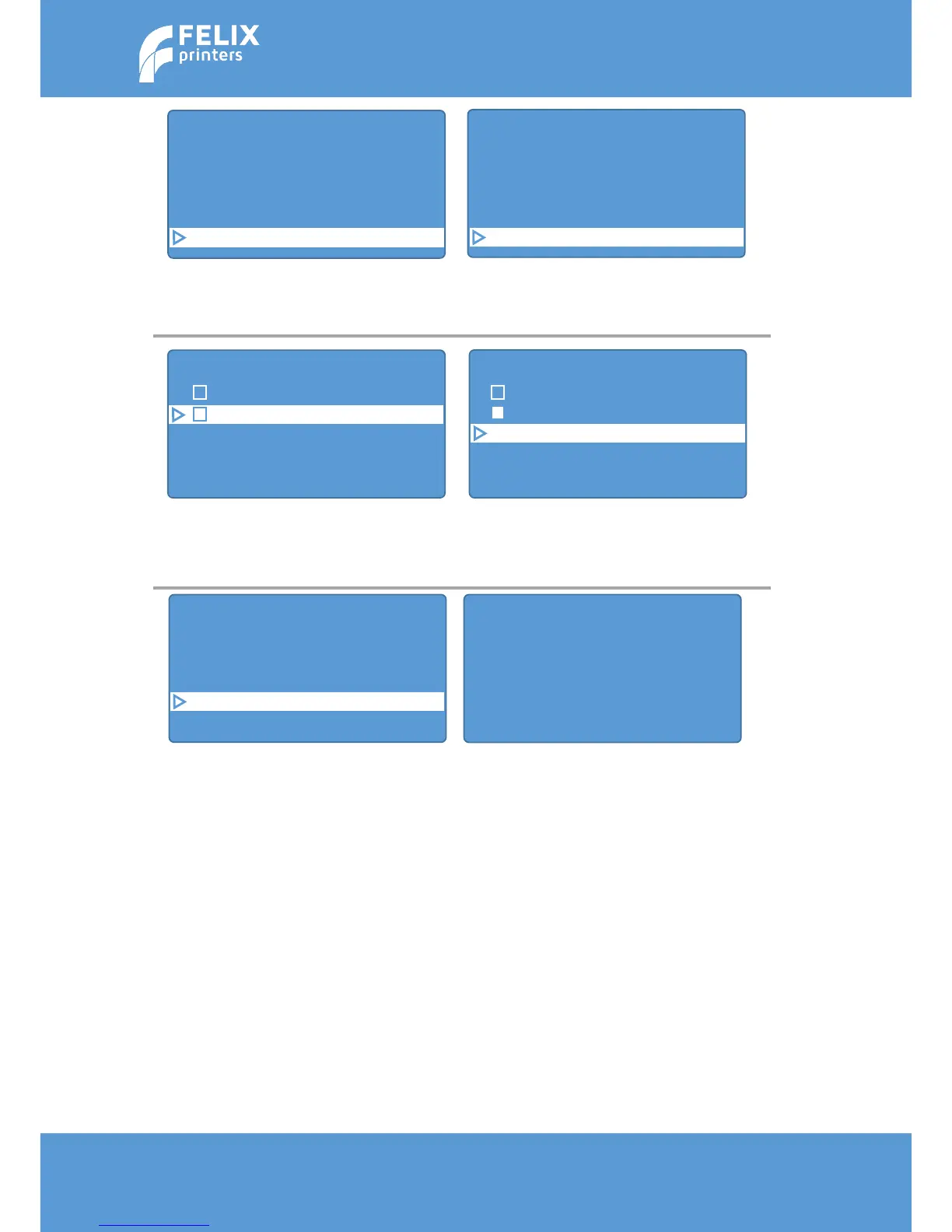
In main menu scroll down to
configuration.
Scroll down and make sure extruder
2 is selected.
Then set the new x and y offsets.
The new x offset 16 + 0.2 = 16.2mm
Then new y offset is 0 - 0.3 = -0.3mm
After changing values, go Back one menu
It will show the message above. Click
the rotary button to dismiss this
message. And go all the way back to the
main menu.
Please print the 02_... file again to check
if calibration values have the correct
results. If this is not the case, please
Store the changed values to memory.
If you don’t do this, values will be lost
after turning off power.
Select extr. 2
X-Offset: 16.20
Y-Offset: -0.30
Steps/MM: 147.0



 To Next Page