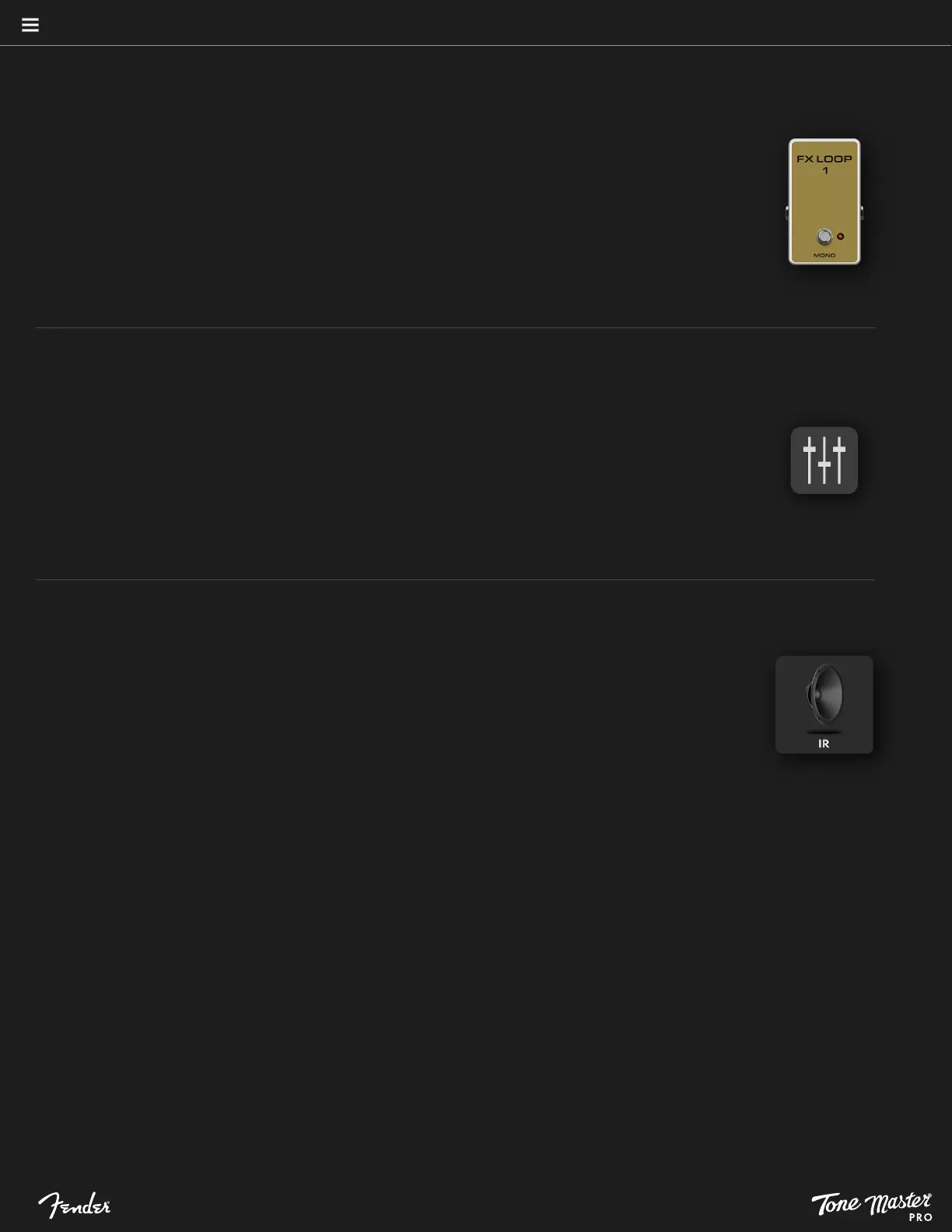
FX LOOPS
Tone Master PRO has four effects loops for connecting up to four external effects. Loops 1 and 2 are mono relay-based
loops positioned immediately after the instrument input jack (before the signal is digitally converted); their positions are
fixed and cannot be moved in the signal path. Loops 1 and 2 are especially useful when connecting, for example,
vintage-style fuzz pedals that are sensitive to other devices preceding them in the signal path. Loops 3 and 4 are available
as dual mono loops or a single stereo loop; they can be positioned anywhere in the digital signal path after Loop 2.
To connect an external effect to an effects loop, run a 1/4” instrument cable from the effects loop send jack to the effect
unit input jack, and run another cable from the effect unit output jack to effect loop return jack. For routing additional
external effects anywhere in the signal path using the rear-panel send/return jacks for effects loops 3, 4 and 3+4.
IMPULSE RESPONSE (IR)
The Tone Master desktop app enables loading of third-party IR profiles to Tone Master PRO. Tone Master PRO
supports third-party speaker cabinet impulse responses that can be downloaded using the Tone Master PRO Control
desktop app. Up to two Impulse Response (IR) blocks can be placed anywhere in the digital signal path after Loop 2.
To edit IR parameters, touch the IR block symbol in preset view; parameters are Low-Cut Filter, High-Cut Filter and
Bypass. These filters remove unwanted high and low frequencies from the IR. Touch the Low-Cut or High-Cut filter
controls to view a gradient slider for selecting the preferred cut-off frequencies.
To install third-party impulse responses on Tone Master PRO, visit www.fender.com/tonemaster_pro and download
the Tone Master PRO Control app.
12
PRESETS
SPLITTER/MIXER
Some routing templates contain one or more parallel paths to enable routing of amps and effects in parallel.
A parallel path consists of a splitter, a mixer, an upper path and a lower path. The splitter is represented by
the symbol on the left; it splits the signal into dual paths that can be populated with amp or effect blocks. The
splitter is located in a fixed position and cannot be added from the list of effects.
The mixer is represented by the symbol on the right; it controls level and panning when the parallel signals are
combined. To modify mixer settings, touch the mixer symbol and swipe up or down on the controls to adjust
level and panning for the upper and lower paths; alternately, single-touch either control for a gradient slider
that enables more precise adjustment.
BLOCK TYPES (CONTINUED)





 To Next Page