6
GENERAL NAVIGATION
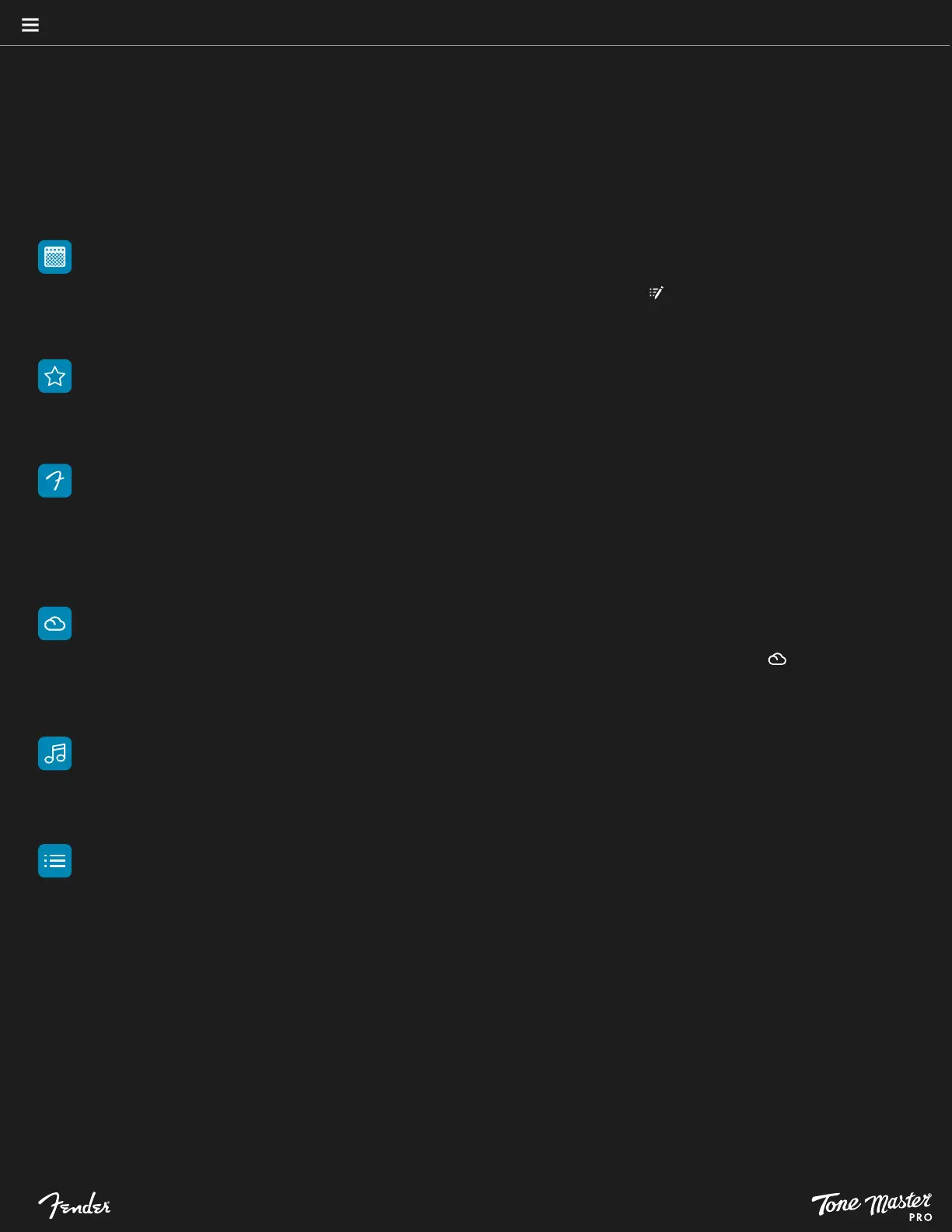
MY PRESETS
Create and store up to 504 presets here. Presets are numbered and can be reorganized by drag-and-drop on the touchscreen.
By default, My Presets contains duplicates of the Factory Presets. Touch the Edit Preset symbol ( ) to view and modify the preset
signal path.
FAVORITES
Create a list of your favorite presets for quick access by touching the star symbol at the top of the touchscreen. Touch star symbol next
to preset name to add or remove presets from Favorites.
FACTORY PRESETS
The factory preset list contains a wide variety of presets that cover various musical styles and show the full capabilities of Tone
Master PRO . These presets can be used as a starting point for creating your own personalized presets. Note that factory presets
are not numbered and cannot be permanently modified or deleted. Factory presets can be modified and then saved to My
Presets.
CLOUD PRESETS
Up to 100 cloud presets can be downloaded to Tone Master PRO by using the Tone Master PRO Control app (you’ll need a Fender
Connect account to access this feature). Note that Cloud presets aren’t numbered—a cloud symbol appears instead ( ), and
presets are listed in the order they were downloaded, newest first. Cloud presets can be modified and then saved to My Presets.
SONGS
Songs mode allows creation of a custom bank of up to six presets necessary for the performance of a song. Tone Master PRO
stores up to 200 Songs.
SETLISTS
Setlist mode allows creation of a list of Songs (above) organized for a performance. Tone Master PRO stores up to 50 Setlists
containing up to 99 songs each.
MODES
When first turning Tone Master PRO on, the unit will power up in My Presets mode with preset 1 selected and its signal path
visible. On subsequent power-ups, Tone Master PRO will show the last mode, setlist, song and preset used. In the first four Preset
modes—My Presets, Favorites, Cloud Presets and Factory Presets—the user will see a list of presets available in that mode.
Tone Master PRO operates in one of six modes that allow access to presets, songs and setlists:





 To Next Page