7
GENERAL NAVIGATION
GIG VIEW: PRESET MODES
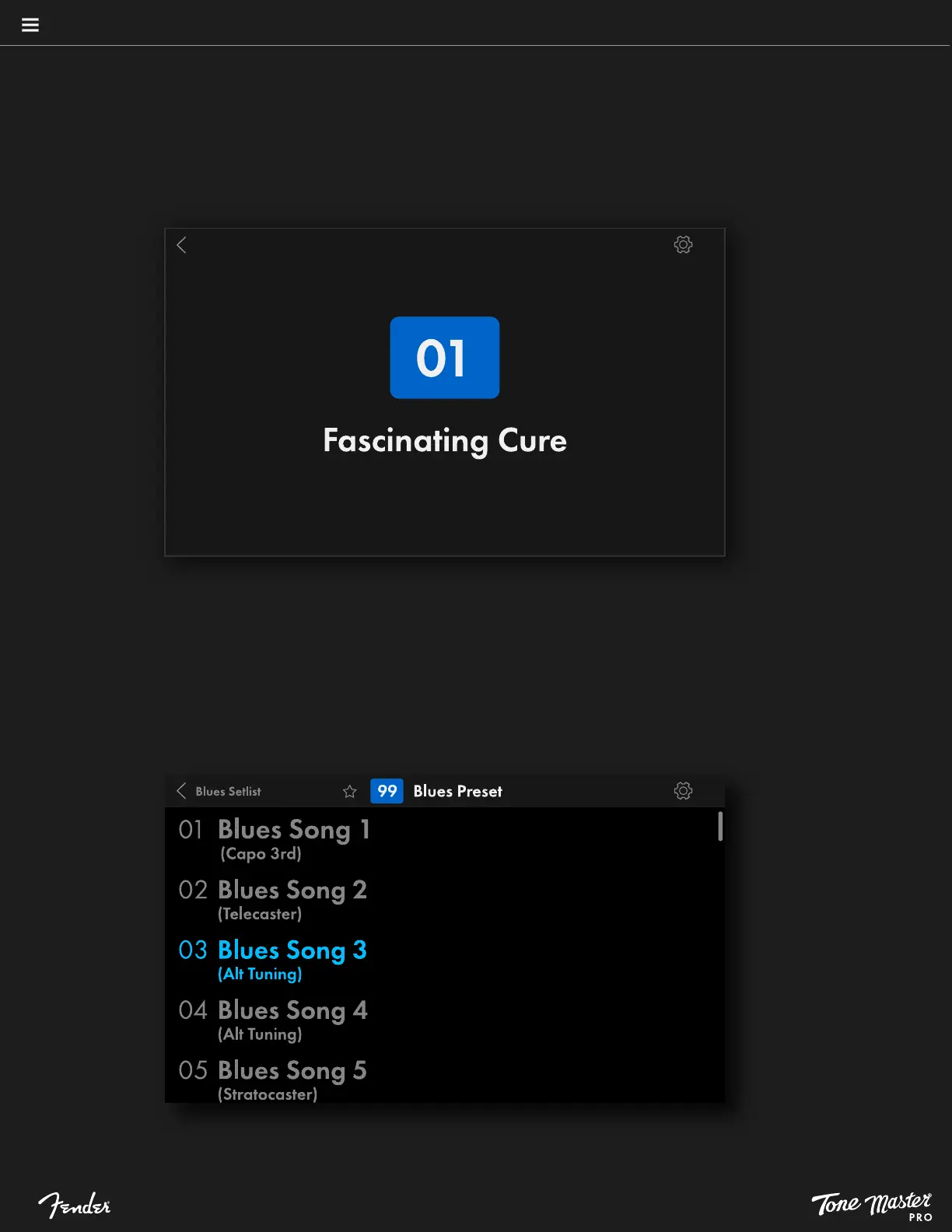
One of the most useful preset features is Gig View, which is a simplified view available in My Presets, Favorites and Factory Presets modes.
It’s an ideal onstage performance view that displays only the active preset name and number—useful when you already have your presets
dialed in and want to avoid accidental preset edits. To activate Gig View, press the navigation control; press again to exit.
GIG VIEW: SONGS AND SETLISTS MODES
Songs and Setlists modes offer a variation on Gig View. In Songs mode, pressing the navigation control shows an alphabetized list of all
songs; in Setlists mode it shows a numbered list of songs in the selected setlist. In both views the currently loaded song will be highlighted,
and helpful brief song notes can be added in parentheses (see page 25).





 To Next Page