Need help?
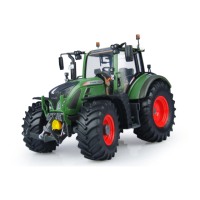
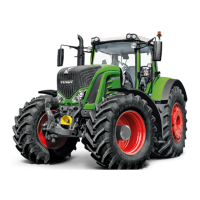
Do you have a question about the FENDT Vario 718 and is the answer not in the manual?
Details electrical safety precautions during installation.
Guidelines for preparing the machine before installation.
Best practices for installing or operating the system.
Defines the assumed viewpoint for manual instructions.
Information on where to find software and manual updates.
Lists components included in the SmarTrax MD installation kit.
Instructions for safely removing the tractor's steering wheel.
Steps to install the anti-rotation bracket onto the steering column.
Guides the installation of spline and ring gear assemblies.
Procedures for reinstalling the steering wheel after component installation.
Steps for installing the mechanical drive unit onto the steering system.
Instructions for installing the SmarTrax MD node, including mounting locations.
Details on mounting the SmarTrax MD node for specific tractor models.
Guidance on selecting a location and installing the foot switch.
Steps for connecting the node harness to the node and other components.
Instructions for installing the chassis power cable if no existing system is present.
Steps for integrating SmarTrax MD with the machine's existing CAN system.
 General
| Max Speed | 50 km/h |
|---|---|
| Fuel Tank Capacity | 330 l |
| Transmission | Continuously variable transmission (CVT) |
| Hydraulic System | Load sensing system |
| Engine Type | Diesel |
| Tire Options | Various options available |


 To Next Page