V2.0
TM
FENIEX. 2017 INSTRUCTION MANUAL
WEB. www.feniex.com
6
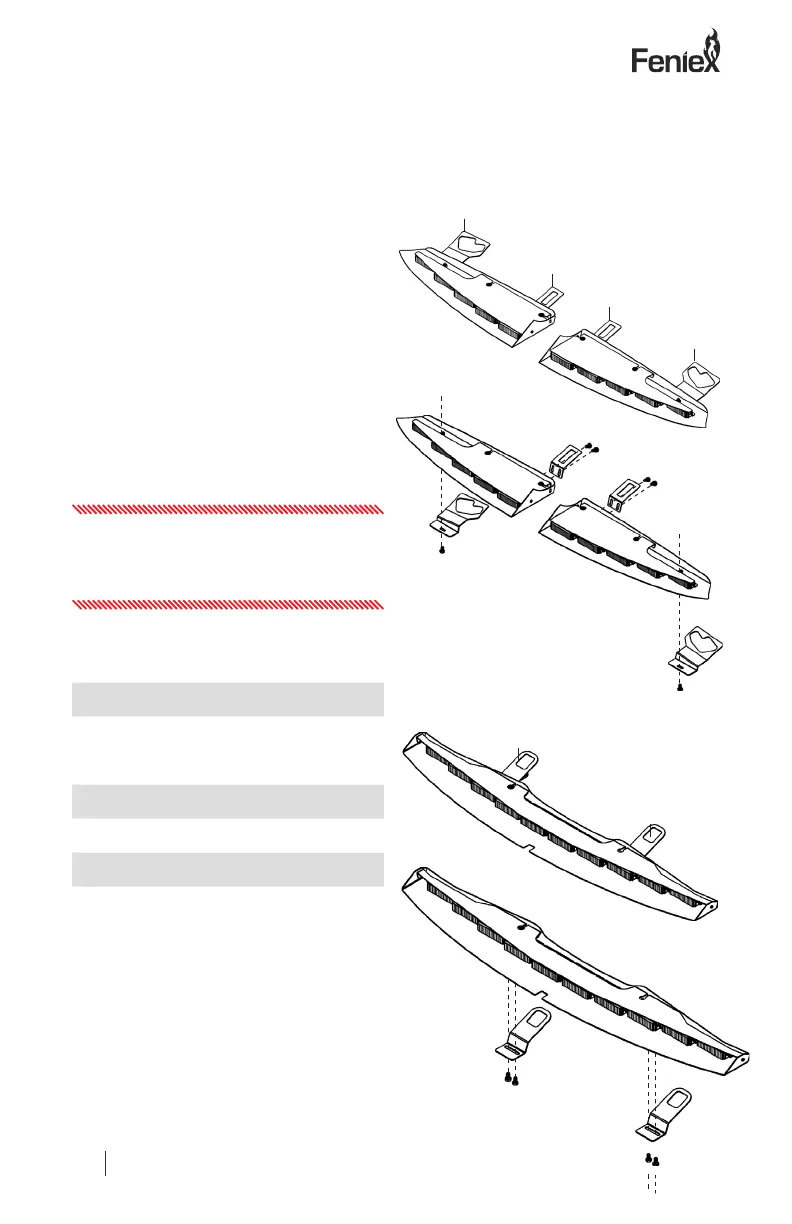
Front Mounting Instructions
Step 1: Following OEM instructions,
remove the vehicle visor clips on the
passenger and driver side of the vehicle.
Retain the hardware and the visor clips.
Step 2: Secure each mounting bracket to
the metal frame using the provided hex
head bolts or 8-32 screws. These are pre-
inserted into the frame. Insert the hex head
bolts through the mounting holes on the
visor brackets to secure the brackets to the
frame.
Step 3: Position the opening of each
bracket directly under the mounting location
of the removed visor clips.
Certications:
CE Certied
SAE J595 Certied
Meets CCR, Title 13 Requirements
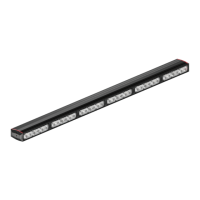
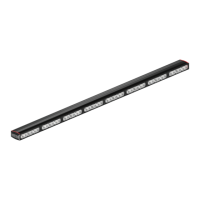
Fusion Specications
Voltage: 9-13 VDC
Power < 5 Amps
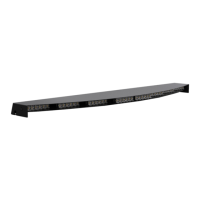
Dimensions: 0.93″H x 37″W x 5.5″H
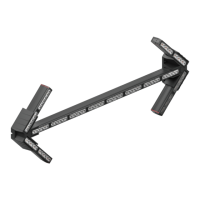
Important! The Universal Split model
includes an adjustable ashback shield to
allow for exibility in the use of mounting
brackets.
Passenger Side
Bracket
Center
Bracket
Center
Bracket
Driver Side
Bracket
Passenger
Bracket
Driver
Bracket


 To Next Page