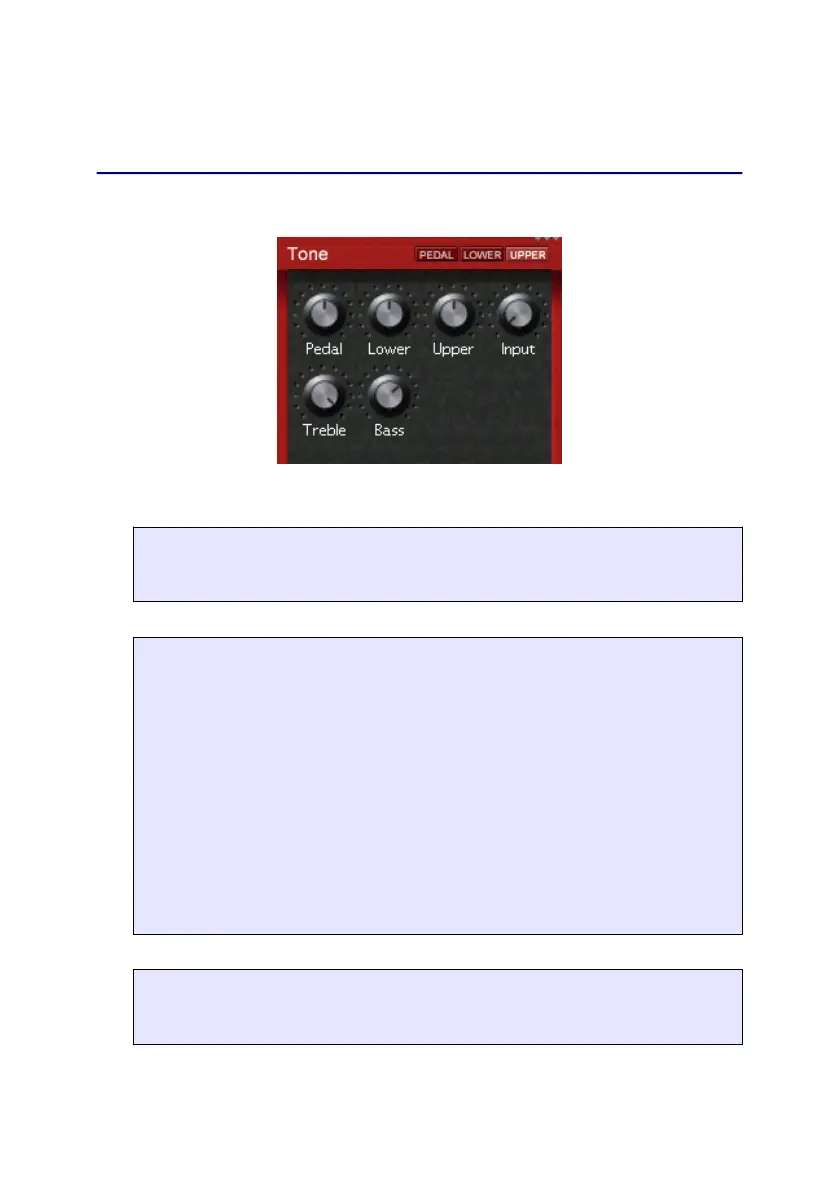
Tone
Tone
Here you mix the registers and external input:
EMULATION FEATURE
Pedal - Lower - Upper
Adjust the volume of the corresponding register.
ADDITIONAL FEATURE
Input
You can feed an external signal in the Audio In plug. This
signal can either be fed directly to the mix or via the effects
section. Adjust the volume of the input signal with this knob.
In case you don't need this input, please set the volume to
minimum to avoid noise coming in from the unused (open)
input jack.
The routing of the external input is set by pressing the Tone
key again.
EMULATION FEATURE
Treble - Bass
Set treble and bass of the B4000+ here.
9


 To Next Page