Quick start
Quick start
Attach your B4000+ to the power supply and connect it to the
wall socket. Press and hold the On key to power the B4000+.
Connect the loudspeakers to the Audio Out plug, or your
headphones to the Phones plug.
Attach your MIDI keyboard to MIDI A. You can play the
upper register (manual) via MIDI channel 1. The lower register
is on MIDI channel 2, and the pedal register on MIDI channel
3. In order to attach another MIDI keyboard for the lower
register easily, use the MIDI B input. Here channel 1 is set to
the lower register.
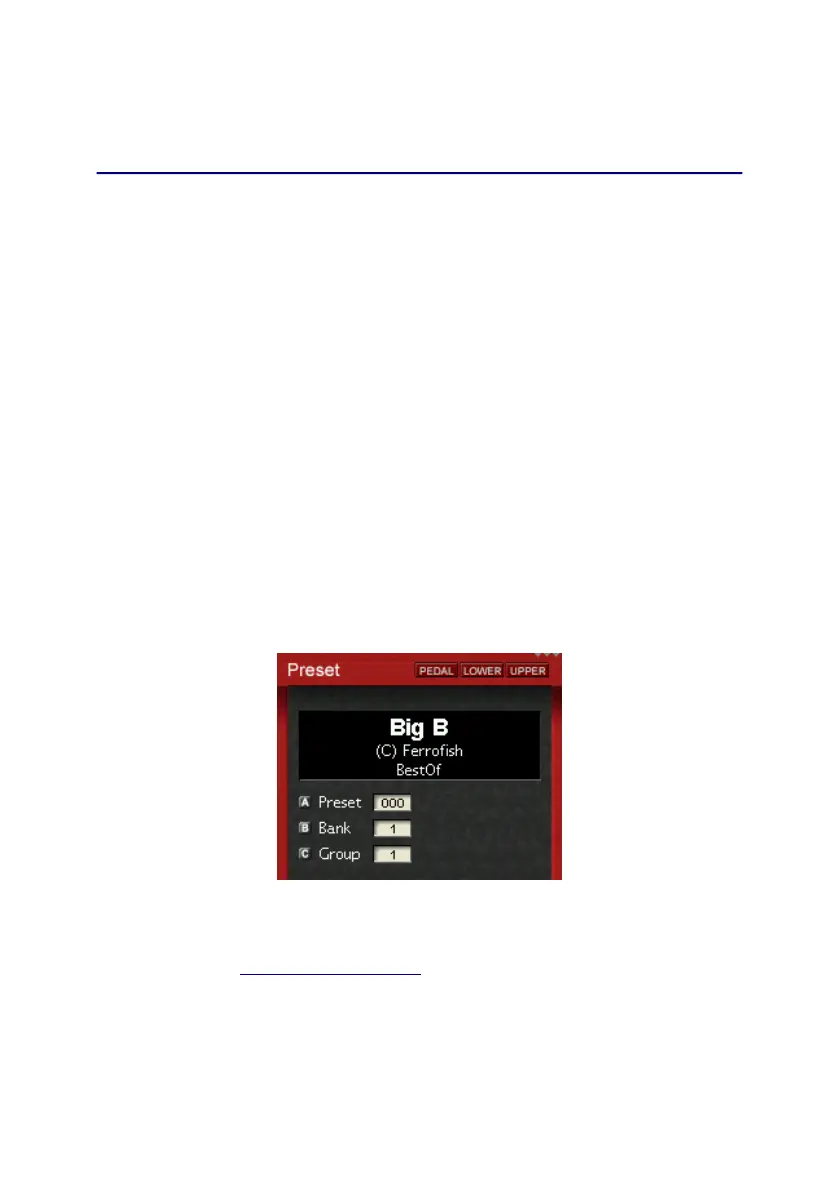
To load a preset, press the Preset key, and select the desired
preset with knob A.
To get a first impression of the sound capabilities, start the
demosong by pressing the Demo key long.
If you have any questions or problems, please contact us
via email (info@ferrofish.de) first, before sending the unit
in. Our support team will be happy to assist you!
2


 To Next Page