Play
Play
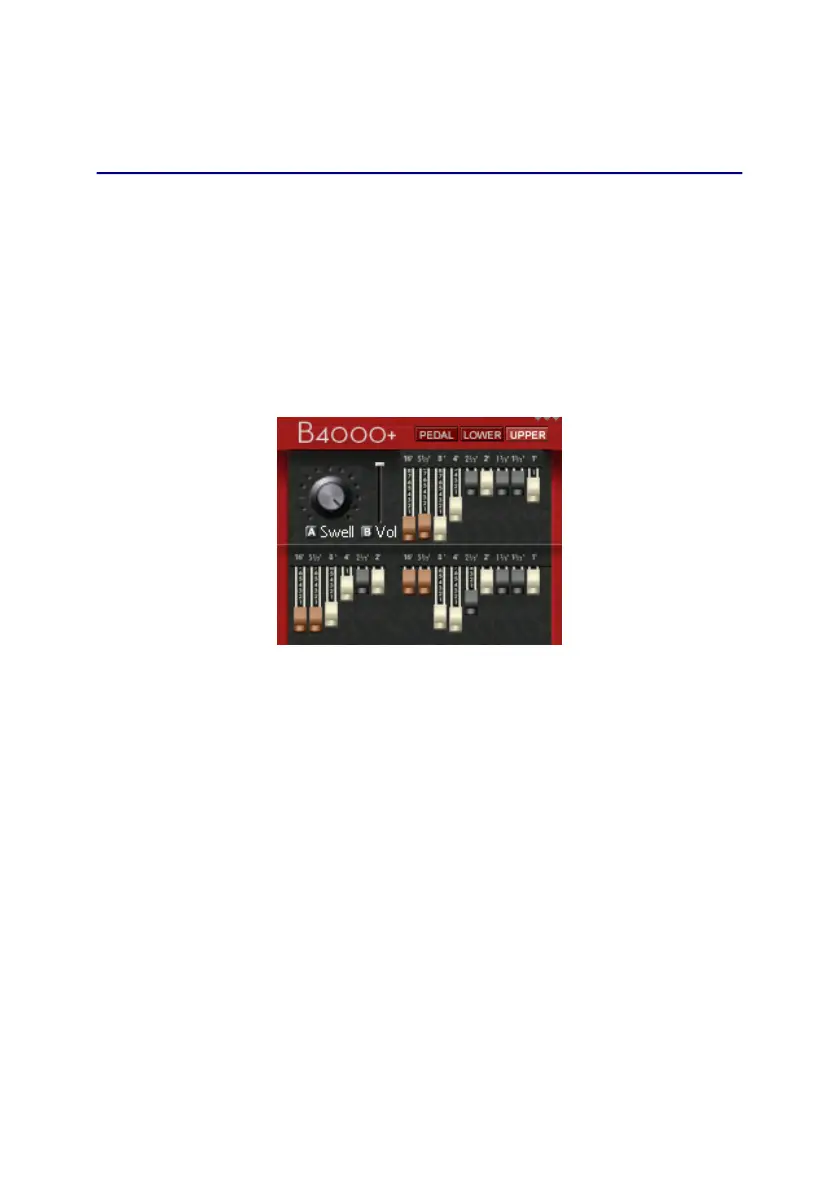
Use this key when playing live. Here you have an overview of
the drawbars, and you can adjust the volume by using knobs A
and B.
Knob A controls the volume of the B4000+ simulation. If you
enabled the tube-amplifier emulation, you will hear tube-
distortion when turning up this volume. Knob B just sets the
output volume at the jacks.
The presence of MIDI input signals is always shown on the
very top of the TFT display. The small triangles show MIDI
signals for MIDI A, MIDI B, and USB.
19


 To Next Page