Presets
Presets
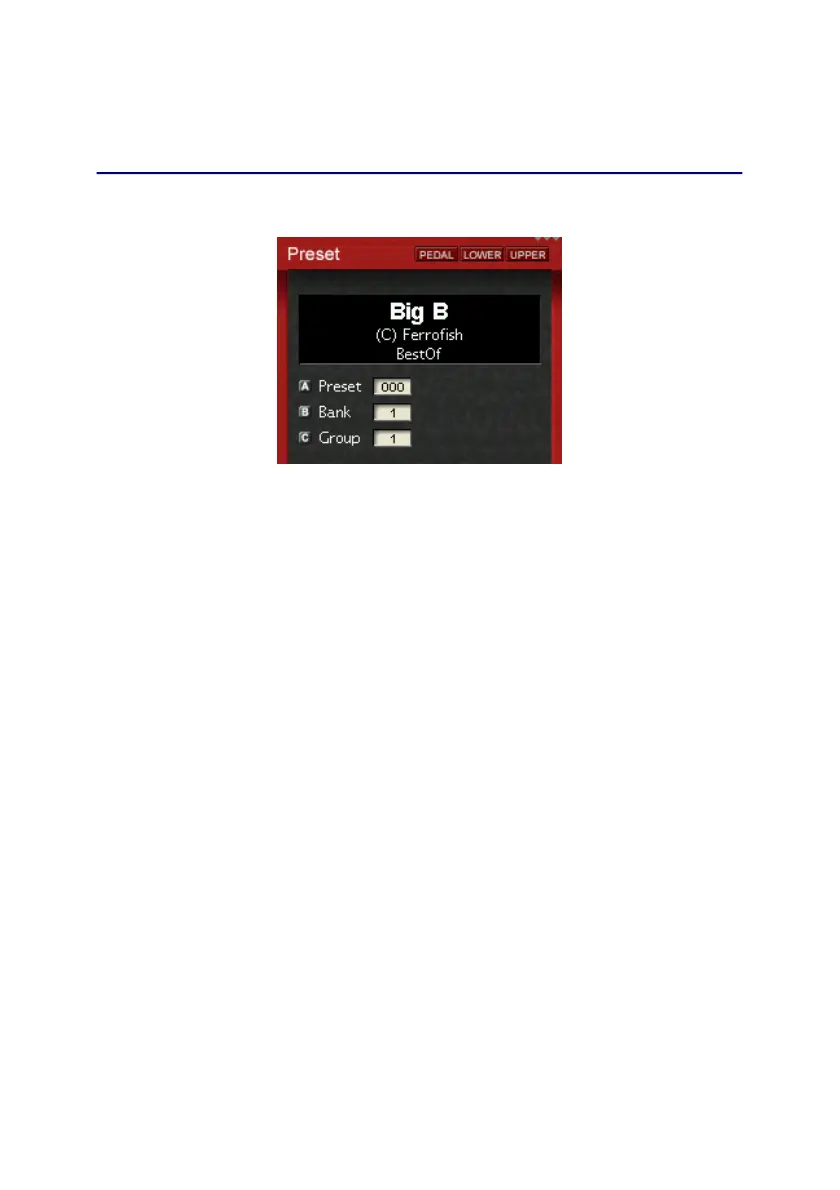
Press the Preset key to call up the a preset.
Select a preset by using knob A, and the bank by knob B.
To find a preset of a specific category, set the category filter
with knob C.
Bank 1 is used for the 128 factory presets, which are not
writable. The banks 2-16 are unused.
By long pressing the Store key you store a preset. Select the
location by using knob A and B, and then press Preset again
to execute. The name of the stored presets are “user 0001” etc.
The names and categories of own presets can be renamed by
using the PC software.
18


 To Next Page