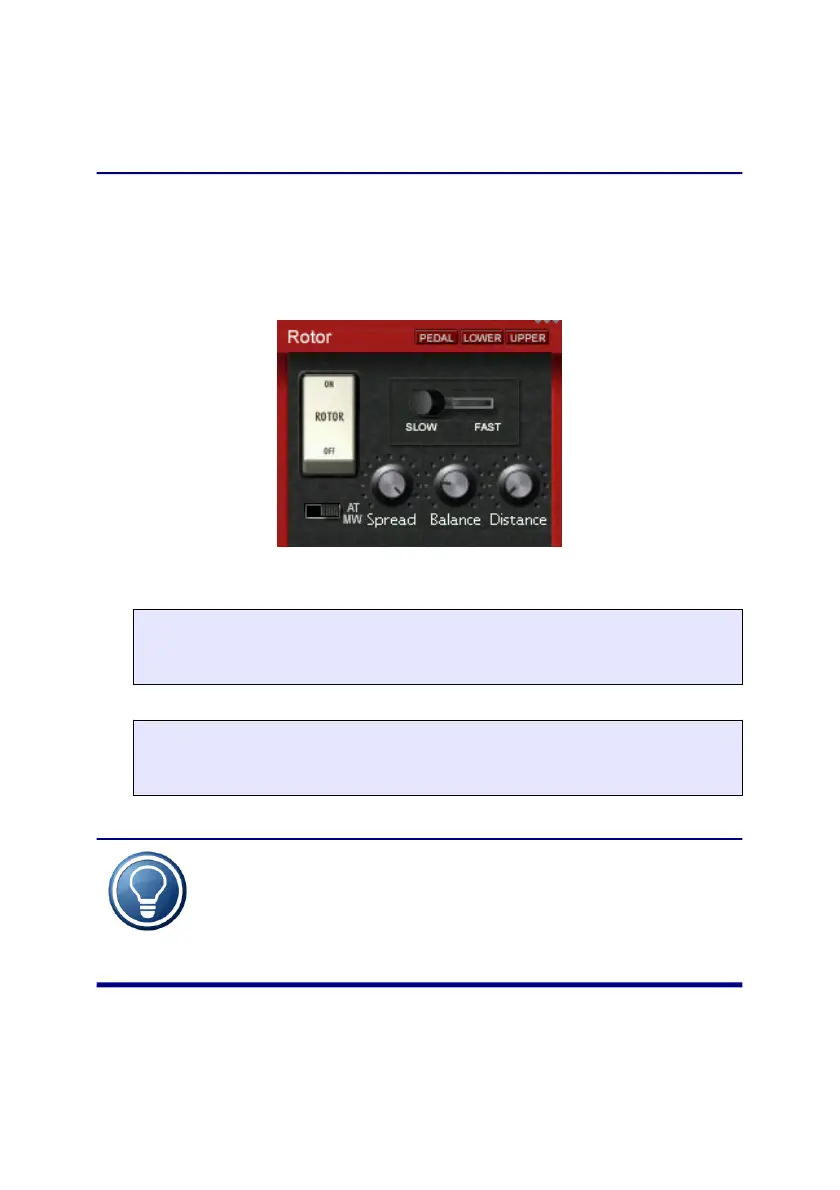
Rotor
Rotor
This screen control the motion of the rotating speaker
(Leslie
TM
). When you press the Rotor key again, the Horn and
then the Bass screen is shown. Here you adjust the speeds of
the Rotor, and also control break and acceleration.
EMULATION FEATURE
On / Off
Enables the rotor.
EMULATION FEATURE
Slow / Brake / Fast
Switch the rotor speed between slow, brake, and fast.
The speed of the rotor can also be switched using
the external switch plug. You can set the direction
of the switch, and many other options in
the Settings.
11


 To Next Page