09
HEADPHONES
Headphones
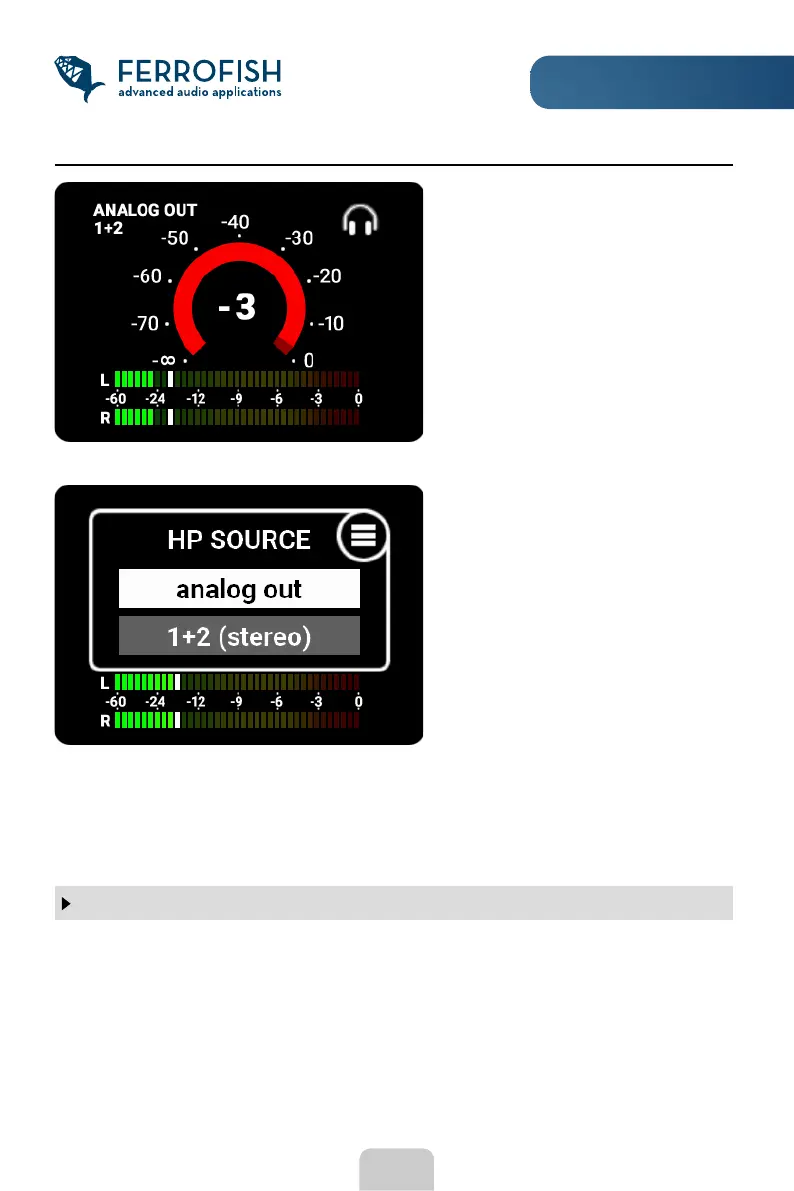
Now you can rst select the interface you want to listen to.
Press the MENU button again to enter the channel selection. Using the knob, you can
now choose either a single mono channel or two adjacent channels as a stereo pair. Exit
the headphone display by tapping the ESC button.
Attention
The headphone output in combination with the connected headphones may produce
a very loud signal, which can harm your ears. Therefore, in the main menu under HP
SETUP, limit the maximum volume accordingly.
To access the headphone display,
turn the rotary knob in the main
display.
In this display, you can adjust the
volume of the headphone by turning
the knob, and (un-)mute it by long
pressing the MENU button.
Tap the MENU button to select the
source of the headphone's signal.



 To Next Page