10
MAIN MENU
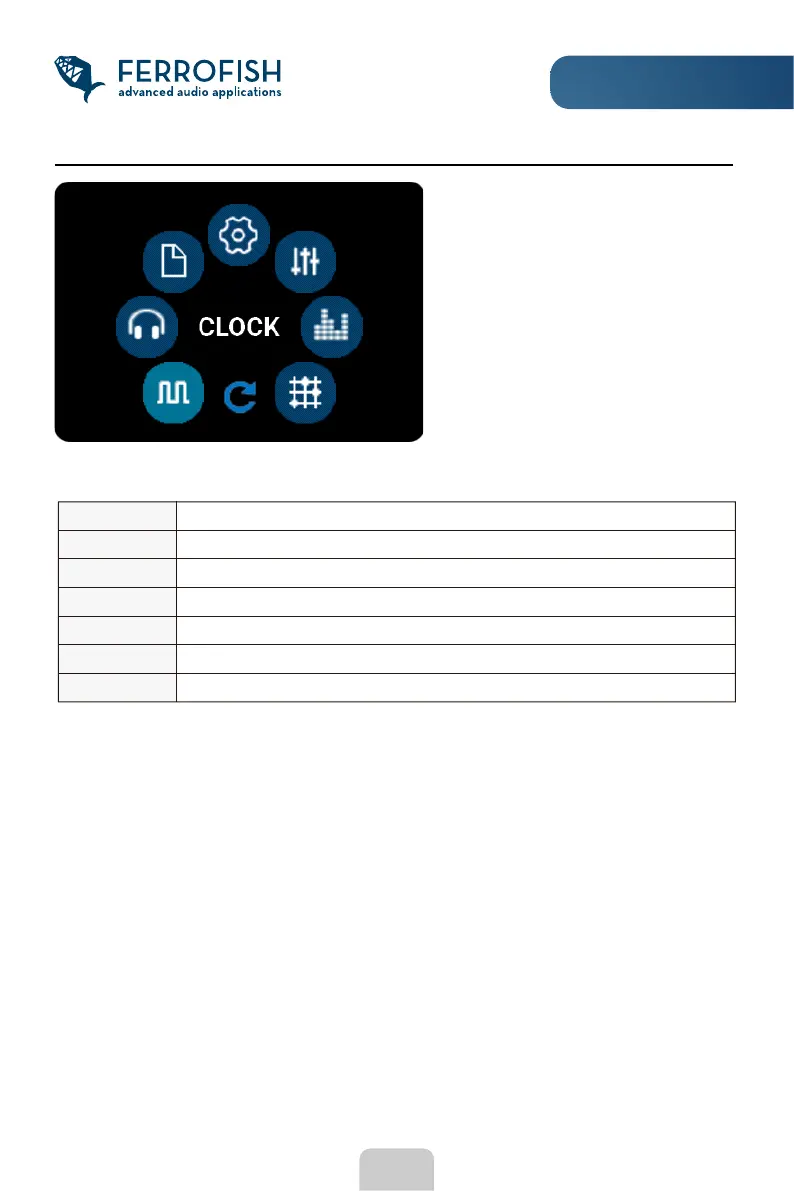
Main Menu
Press the MENU button in the main
display to enter the main menu.
Press the ESC key to return to the
previous view.
In the main menu you will nd the following settings:
CLOCK Setting the clock source and sampling rate
HP SETUP Headphone Settings
PRESET Load, save and rename the eight presets
SETUP Further settings in the setup menu (see following pages)
GAINS Setting the maximum input level per analog input
LEVELS Setting the maximum output level per analog output
ROUTING Connecting the inputs and outputs in the routing matrix



 To Next Page