Select proper trigger
direction for your setup.
Please read user manual
for more information.
Menu
Trigger
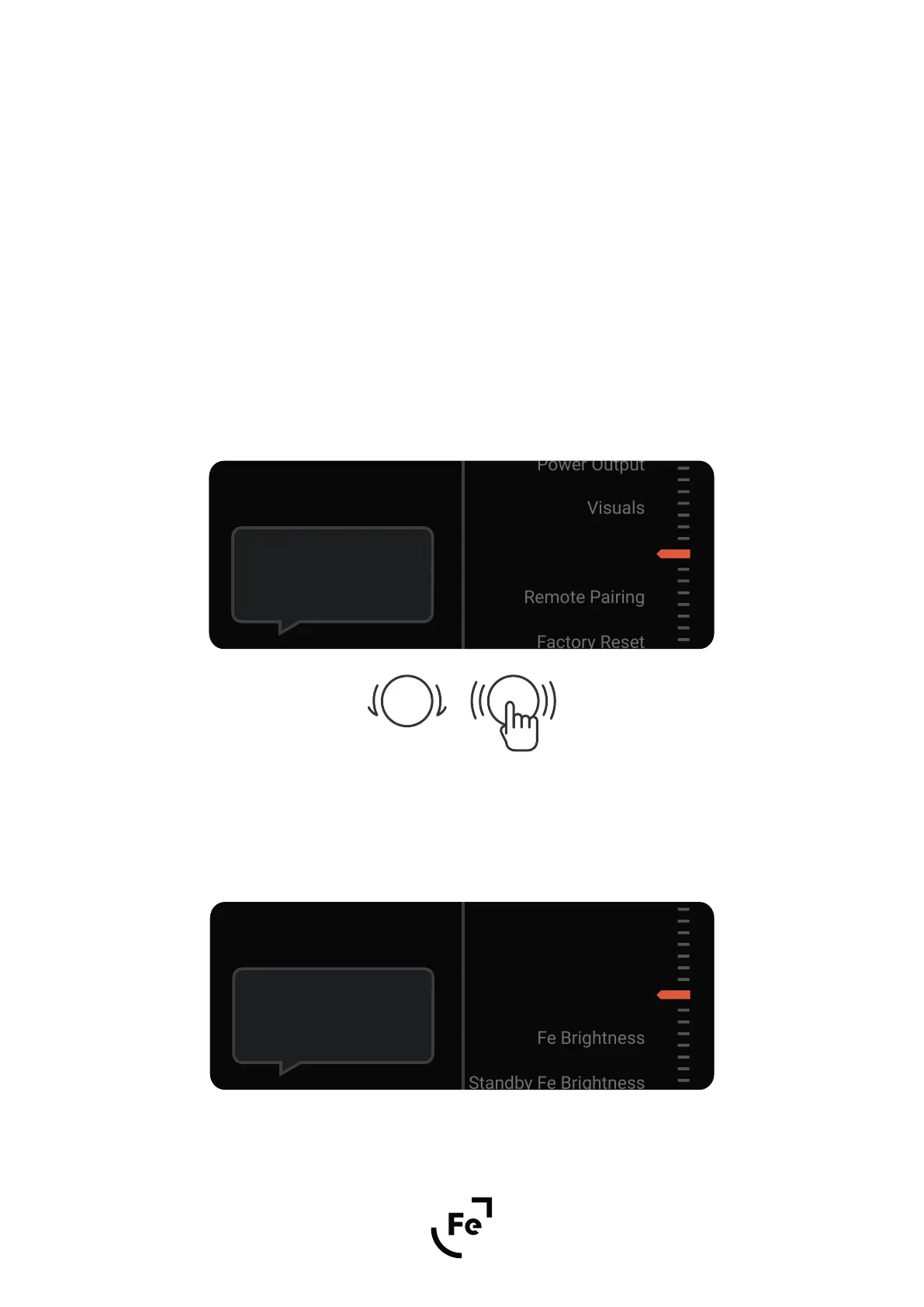
To open the menu select Menu icon (Fig. 3F) on the main screen and confirm by pushing a knob.
Use the knob to navigate through the menu.
To go back to the previous screen select “Back…”.
Figure 5.
Figure 6.
5. MENU
10
user’s manual
HYPSOS by Ferrum
5.1. Navigation
The HYPSOS will now show a summary of the settings and ask you to confirm them.
Once the settings have been approved, a timer will appear on the screen counting down the time to apply the
voltage to the HYPSOS output - you still have 9 seconds to change the settings if necessary. To stop the count-
down and return to the settings, press the knob.
After 9 seconds, the previously set voltage is applied to the DC HYPSOS output.
Done!
Select Confirm
Choose the brightness
of Fe logo.
Visuals
Back...


 To Next Page