Adjust output voltage
or select the same value
to exit without saving.
Press knob to apply.
Voltage Adjustment
12.0 V
11
user’s manual
HYPSOS by Ferrum
5.2. Menu Structure
1. Power Output
1.1. Reconfigure
This feature allows you to go through the initial setup process of selecting a HYPSOS powered device from the
list or manual configuration.
1.2. Adjust Voltage
This function can also be set from the home screen (check Fig. 3E).
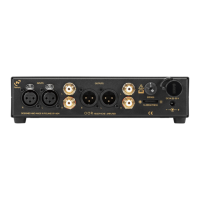
Allows you to fine-tune the output voltage to get the best sound on a device powered by HYPSOS. The range
in which the voltage can be adjusted will be dierent for dierent devices. Some allow you to use a larger
range. The standard "Adjust volume" range is 95% to 105% of nominal voltage for safety reasons.
WARNING!
Please use this function with caution!
Once you have decided to find your sweet spot, you must confirm the start of the procedure.
In the next step you can modify the voltage level. Now you have the option to increase or decrease the DC
voltage.
Figure 7.
The orange arrow always shows the current setting, e.g. when entering the Trigger, if the arrow points to the
"Output" option, then this option is active.
Find your sweetspot!
Adjust output voltage
and find your desired
sound.
Voltage Adjustment
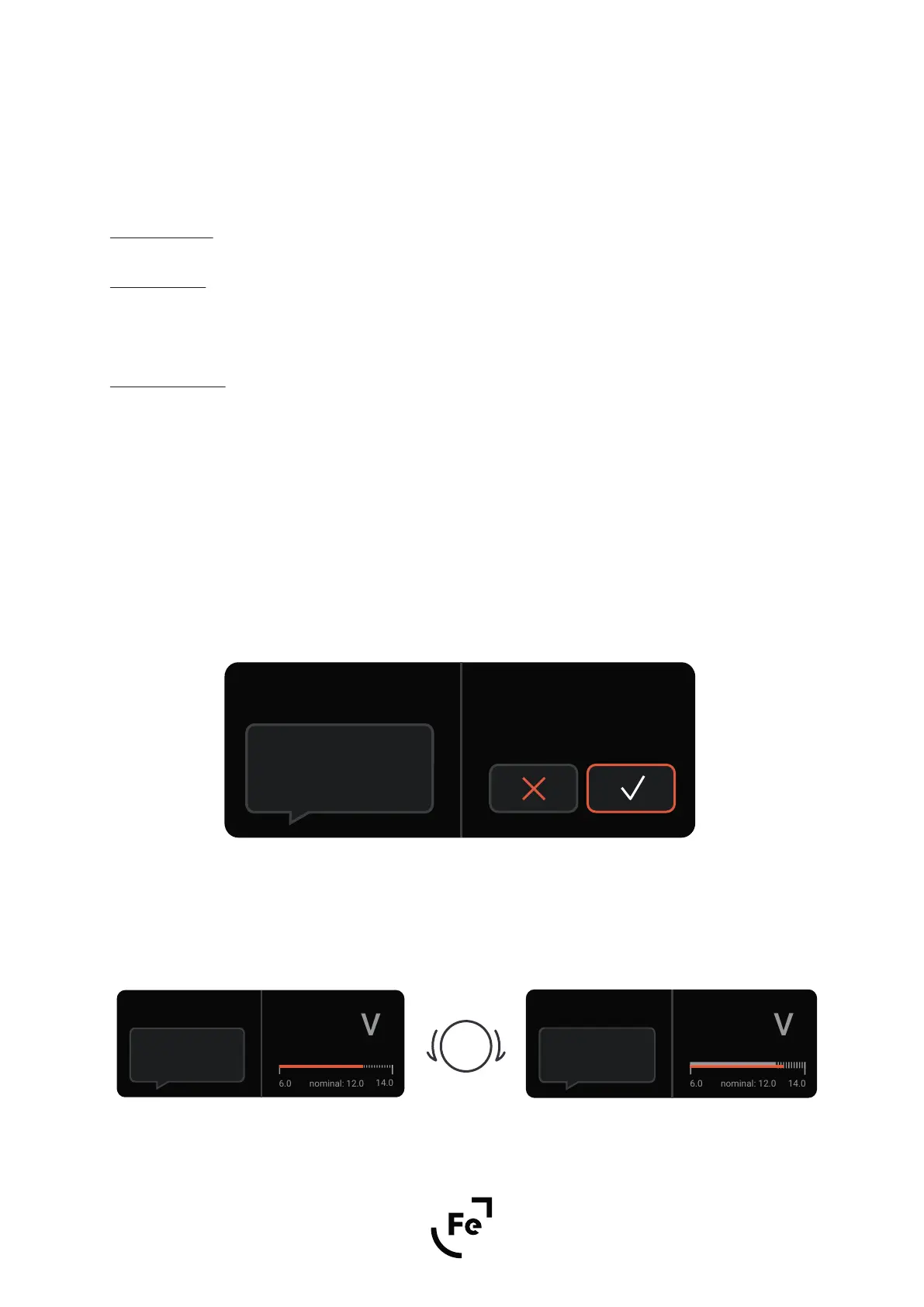
Do you want to start?
Figure 8. Figure 9.
Adjust output voltage
or select the same value
to exit without saving.
Press knob to apply.
Voltage Adjustment
12.5 V
currently set voltage 12.0


 To Next Page