12
user’s manual
HYPSOS by Ferrum
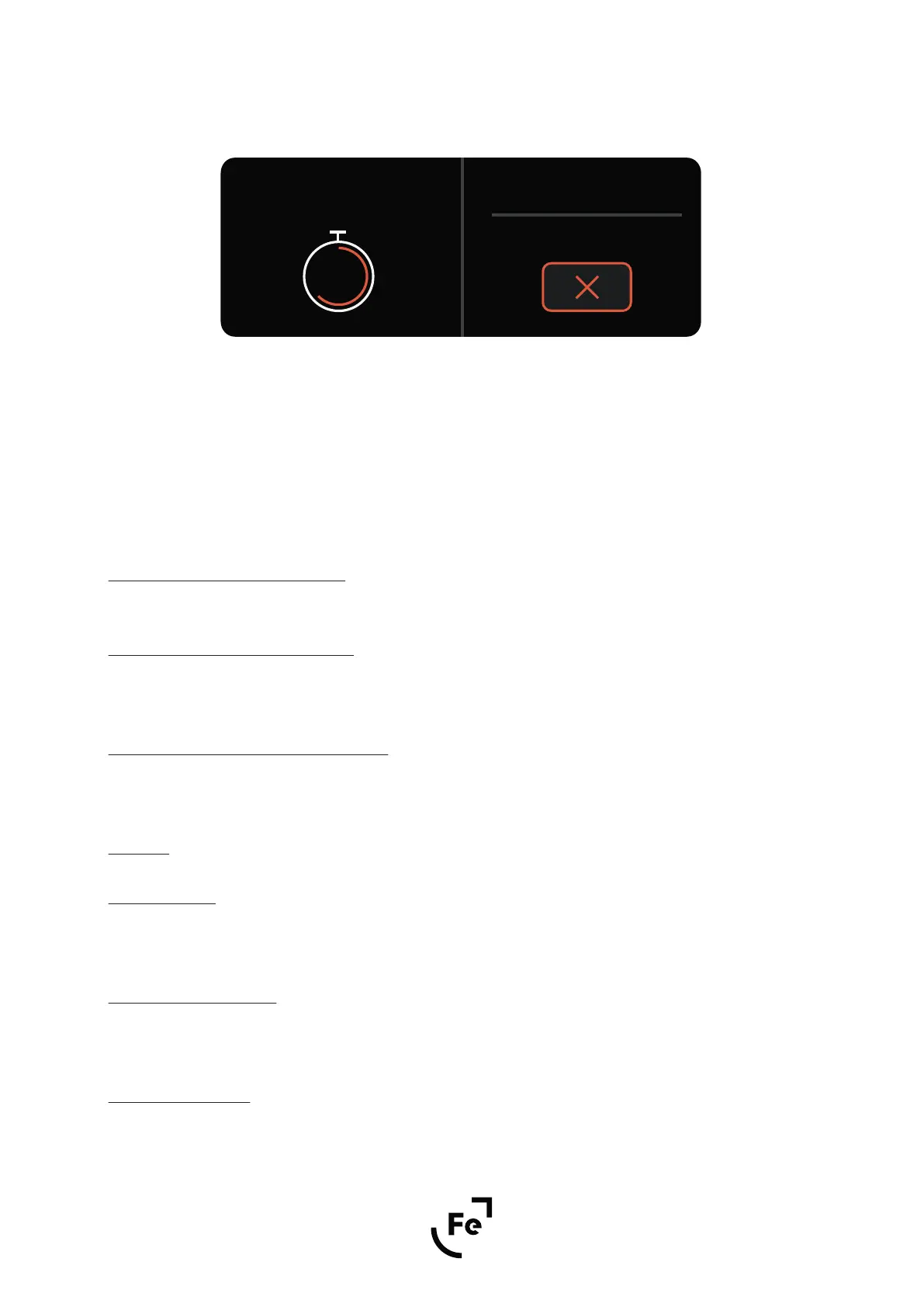
Confirm the voltage level by pressing the knob. After 4 seconds, the newly set voltage will appear on the DC
output.
You can interrupt the countdown by pressing the knob.
When the timer has finished the countdown simply push the knob to go back to the main screen.
Note: Ferrum will not be held liable for damage to the device being powered when the voltage level you set
will damage it.
1.3. Power in Standby Enable/Disable
When enabled, the HYPSOS will continue to provide DC, even if it is in Standby mode.
1.4. 4 Terminal Sensing Enable/Disable
Possibility to enable or disable 4TSD (4 Terminal Sensing Design) - this technology results in more clarity and
resolution, where without the sound will be more weighted.
1.5. Spread Spectrum Mode Enable/Disable
When enabled, switching frequency modulation is activated in the HYPSOS power switching circuit. This might
influence the reproduction of high frequencies in some devices.
2. Visuals
2.1. Fe Brightness
Allows you to change the light intensity of the Ferrum logo when the HYPSOS is turned on. There are 10 bright-
ness levels to choose from or you can turn o the backlit completely.
2.2. Standby Fe Brightness
Allows you to change the light intensity of the Ferrum logo when the HYPSOS is in standby. There are 10 bright-
ness levels to choose from or you can turn o the backlit completely.
2.3. Display Brightness
Allows you to change the display luminosity. There are 10 brightness levels to choose from.
Figure 10.
Applying Voltage in:
3
12.5 V
12.0 V
Current voltage
New voltage


 To Next Page