HOW TO USE THE METRONOME
16
Adjusting The Metronome's Main Beat And Sound
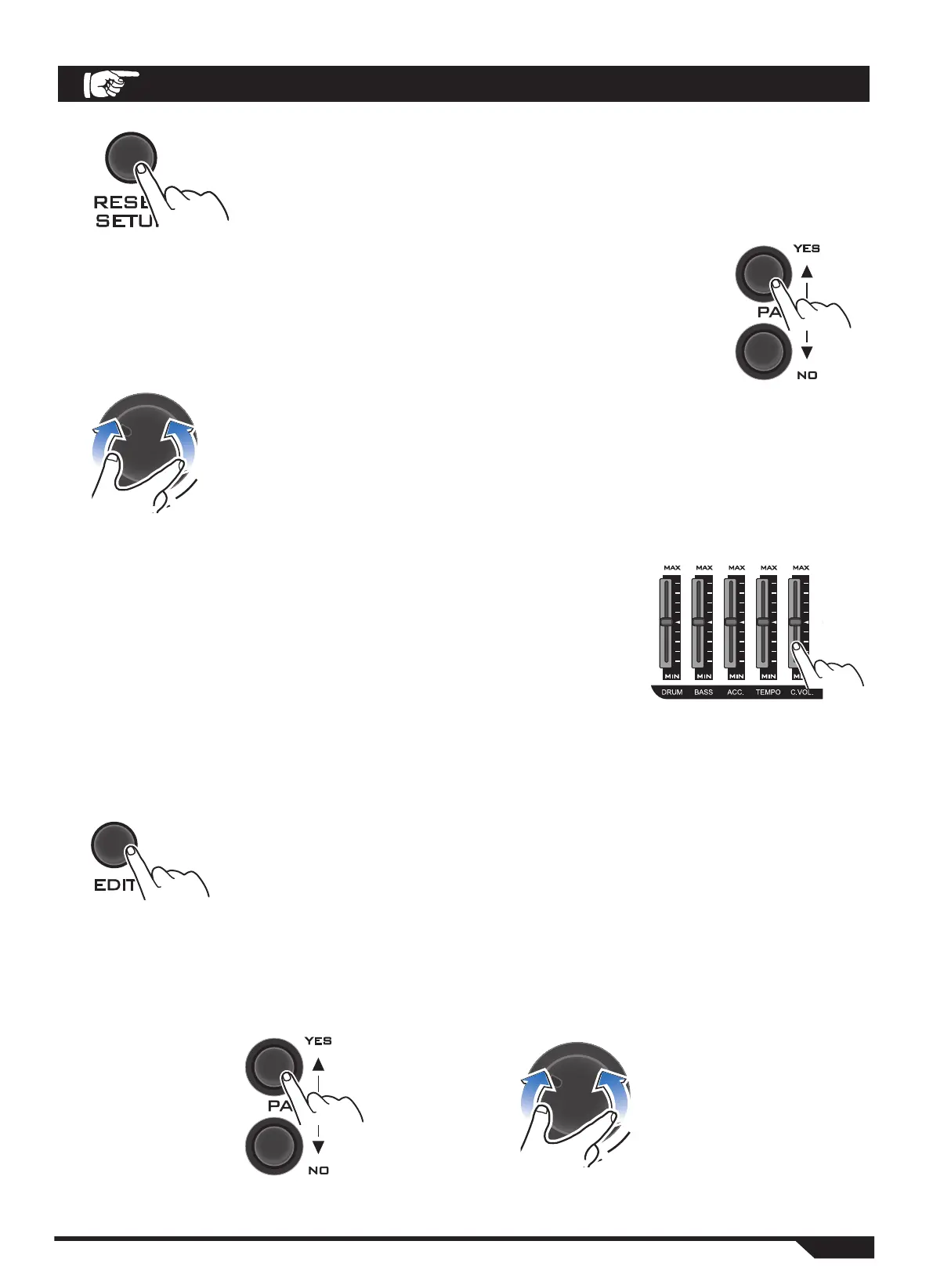
1. Press the CLICK button. Clicks start to appear, and the
lower volume control (FADER) light comes on.
2. Press the PAGE key or the VALUE key to select your desired beat
mode.
You can select one of the following beat patterns:
1/4 →1/8→1/8A→Trip→TripA →1/16→1/16A→1/16B→1/16C→1/16D
→1/16E→6Tupl
3. You can use the TEMPO/C.VOL (tempo or volume)
buttons to move through the slots to adjust the tempo
and volume of the beat.
TEMPO: Adjusts the tempo of the metronome.
C.VOL.: Adjusts the volume of the metronome.
1. In metronome mode, press EDIT repeatedly (Edit). Enter
the metronome edit mode.
BEAT: Selects the main beat of the metronome (00-8)
SOUND: Selects the sound of the metronome (01-10)
2. Press the PAGE key or the VALUE key to set a beat or sound that suits your main
beat or sound.


 To Next Page