15
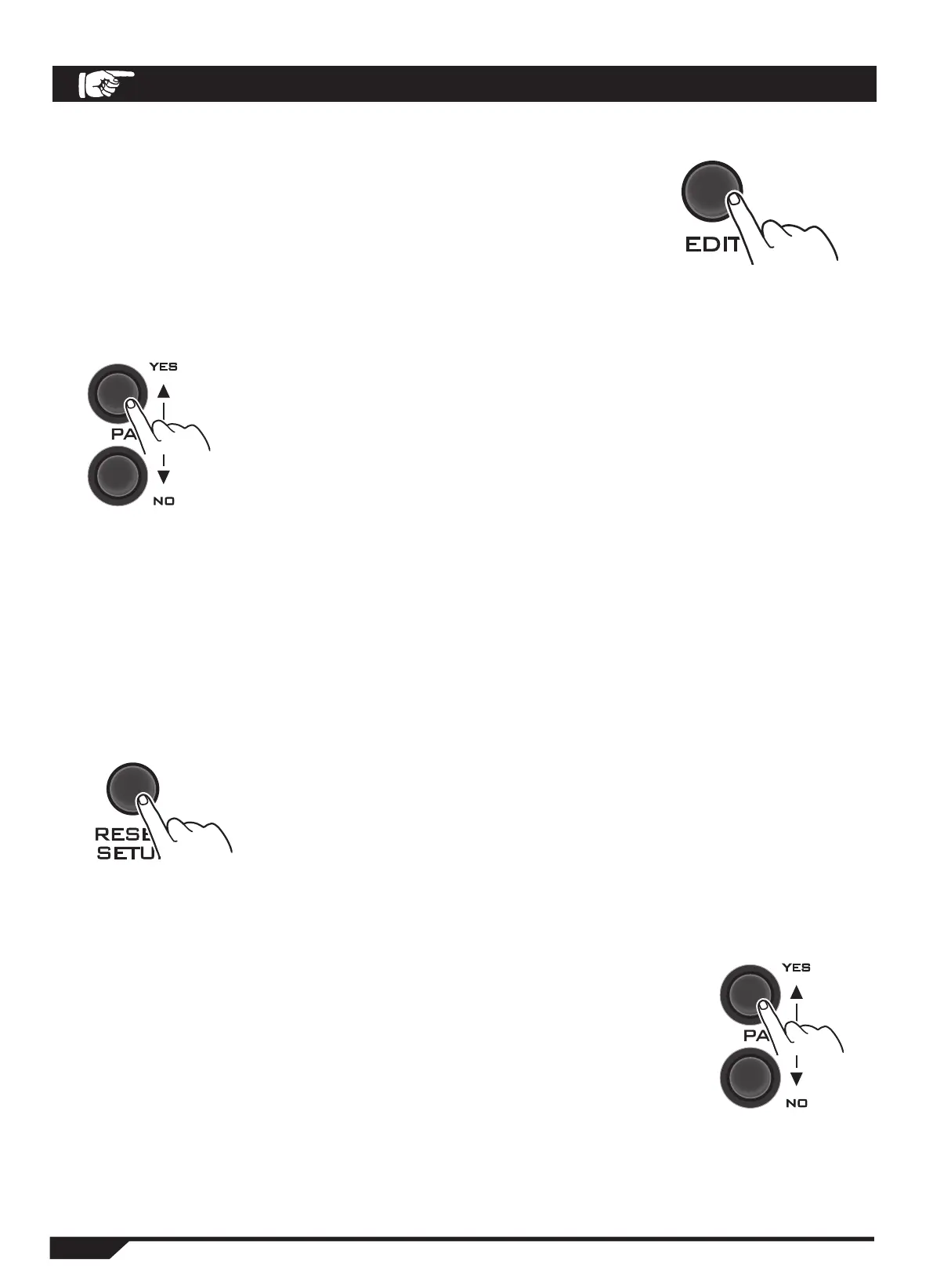
4. When the setting is finished, press the EDIT button
repeatedly. After confirming, please select SURE YES or NO.
5. Press the PAGE button to confirm YES or NO.
PAGE / YES: Save the setting.
PAGE / NO: Cancel the setting
RESETTINGS
Restore Factory Settings
1. Press the RESET/SETUP key 2-3 times to select the reset
mode.
2. Press the PAGE button to confirm YES or NO.
PAGE/YES: Select Yes to restore the factory settings.
PAGE/NO: Select NO to cancel the setting.
SYSTEM SETTINGS


 To Next Page