13
HOW TO USE THE DRUM KIT
Drum Set Selection
Drum Kit Editing
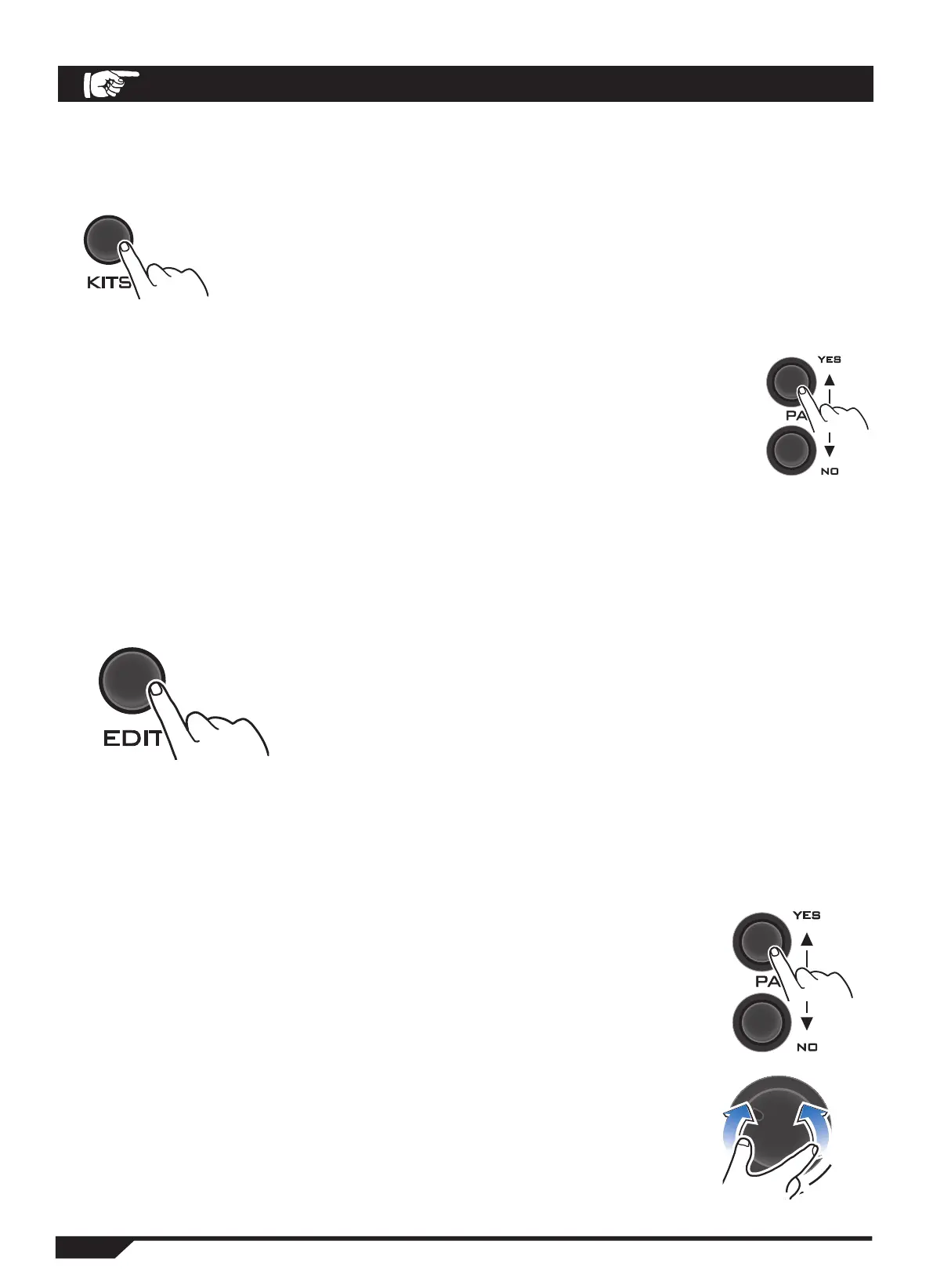
1. Press KITS to enter the selected drum set.
You can select from 16 preset drum kits or 5 user-defined drum
kits.
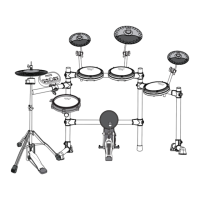
2. Use the VALUE key or the PAGE key to select the drum set that is
right for you.
You can choose from the following drum kits to suit your needs.
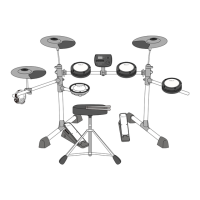
1. If you want to edit the selected drum kit, press the EDI T
(Edit) key repeatedly to select the editing mode that suits
you.
Each time you press the Edit key, you can select one of the
following editing modes:
Treble →Standard →Balance →Reverberation →Quick
Switch →Sensitivity →Cover →Reset →Exit
If you need to cancel editing, press the Edit key repeatedly,
select the Reset option under your Mode name, select the
Reset option, and then press the Page key (PAGE).
2. Press PAGE to select the drum or cymbal pedal that's
right for you.
TOM1→TOM1 RIM→TOM2→TOM2 RIM→TOM3→TOM3 RIM→
CRASH1→RIDE BOW→RIDE BELL→HH OPEN→HH CLOSE→HH
CTR L→KICK→SNARE X_STICK→SNARE RI M
Use the VALUE knob to select the scale that is right for you
(00-127)


 To Next Page