12
Power up
Once you’ve completed all the steps and put the batteries in your remote control
it’s time to turn everything on.
Connect your Fetch Mighty to power
Select Source / Input on TV
1. Plug the red end of the power supply unit into the
Fetch Mighty.
2. Plug the power supply unit into the wall power socket.
1. Turn on your TV.
2. On your TV remote press Source/Input or AV Select.
3. Select the HDMI port you plugged your Fetch Mighty into.
Source
TV
HDMI 1
HDMI 2
TV 1
TV 2
Turn on the Power at the wall socket. The power light on your
Fetch Mighty will light up.
Turn on your Fetch Mighty
Check the Fetch Mighty Connection
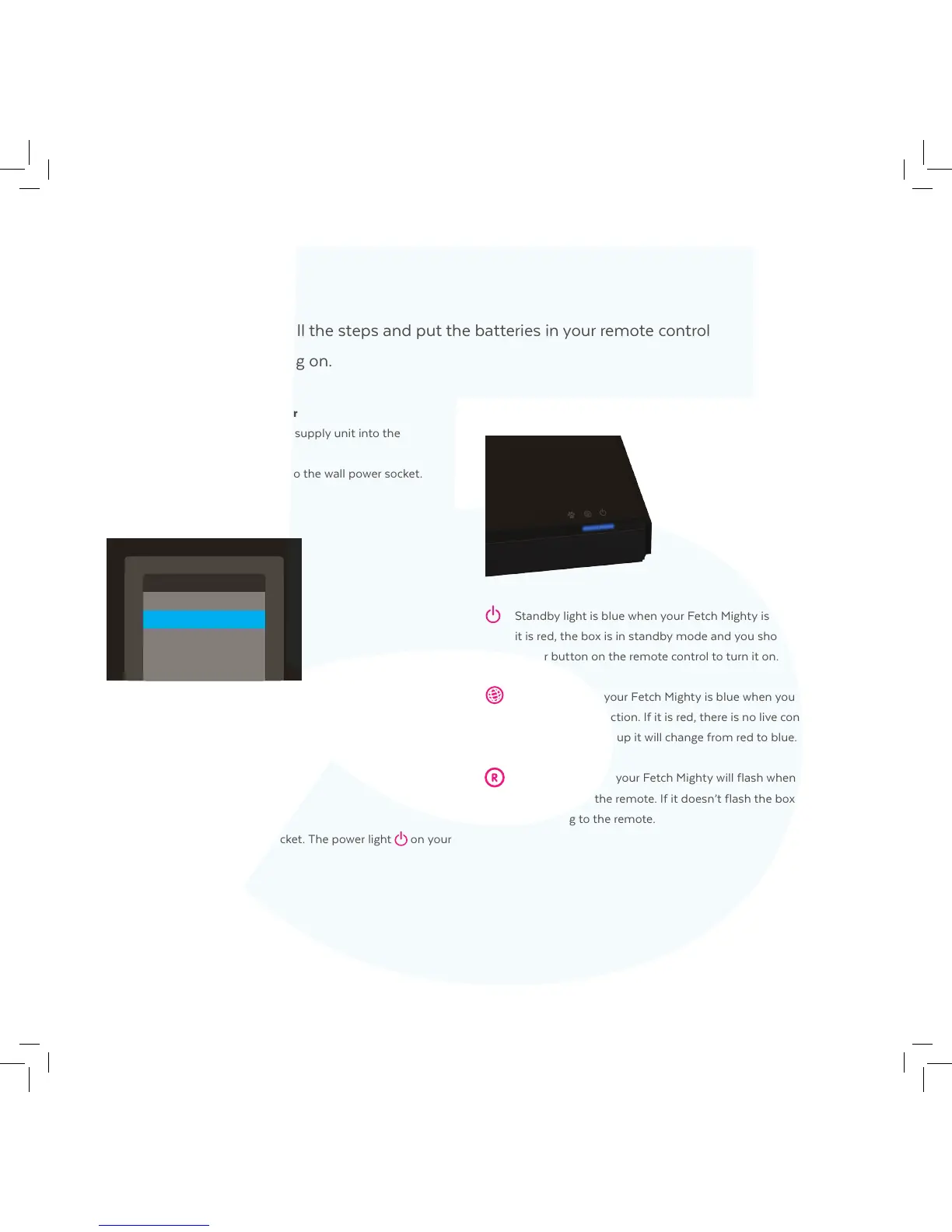
Standby light is blue when your Fetch Mighty is powered on. If
it is red, the box is in standby mode and you should press the
power button on the remote control to turn it on.
Internet light on your Fetch Mighty is blue when you have a
broadband connection. If it is red, there is no live connection.
During initial start-up it will change from red to blue.
Recording light on your Fetch Mighty will flash when you press
any button on the remote. If it doesn’t flash the box is not
responding to the remote.



 To Next Page