14
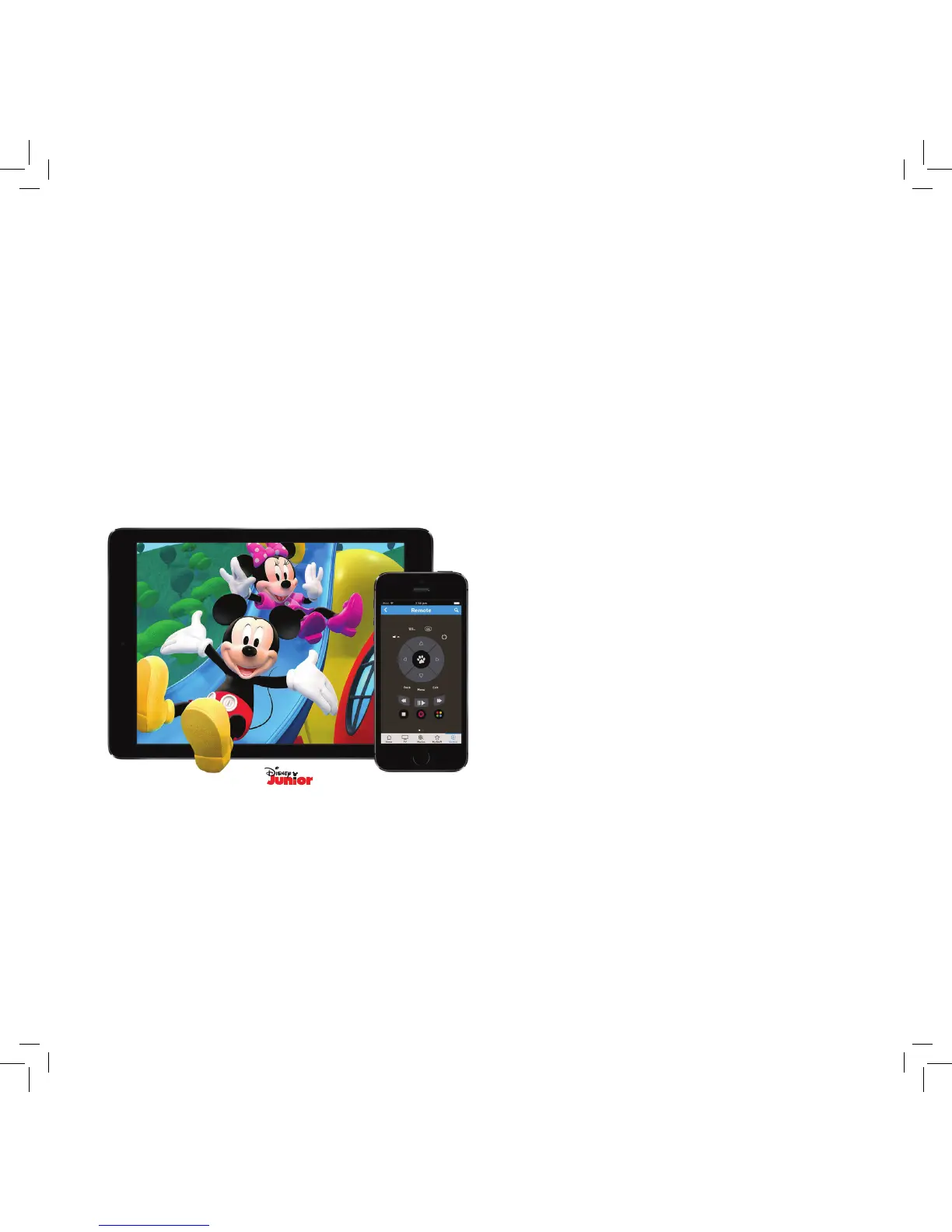
Fetch Mobile App
Control your Fetch Mighty with your tablet or mobile phone at home or when
you’re out and about, using the Fetch Mobile app.
Once you’ve installed the app on your phone or tablet you need to pair it with your Fetch Mighty.
For more information, go to Menu > Manage > Settings > Mobile & Tablet on your Fetch Mighty or visit
www.fetchtv.com.au and download the Fetch Mobile App User Guide.
• Set recordings from anywhere.
• Handy second remote control.
• Watch channels, movies and TV Store shows.
To start go to the App Store or Google Play and install the Fetch app on your phone or tablet.
Pair the app with your Fetch Mighty
©Disney



 To Next Page