6
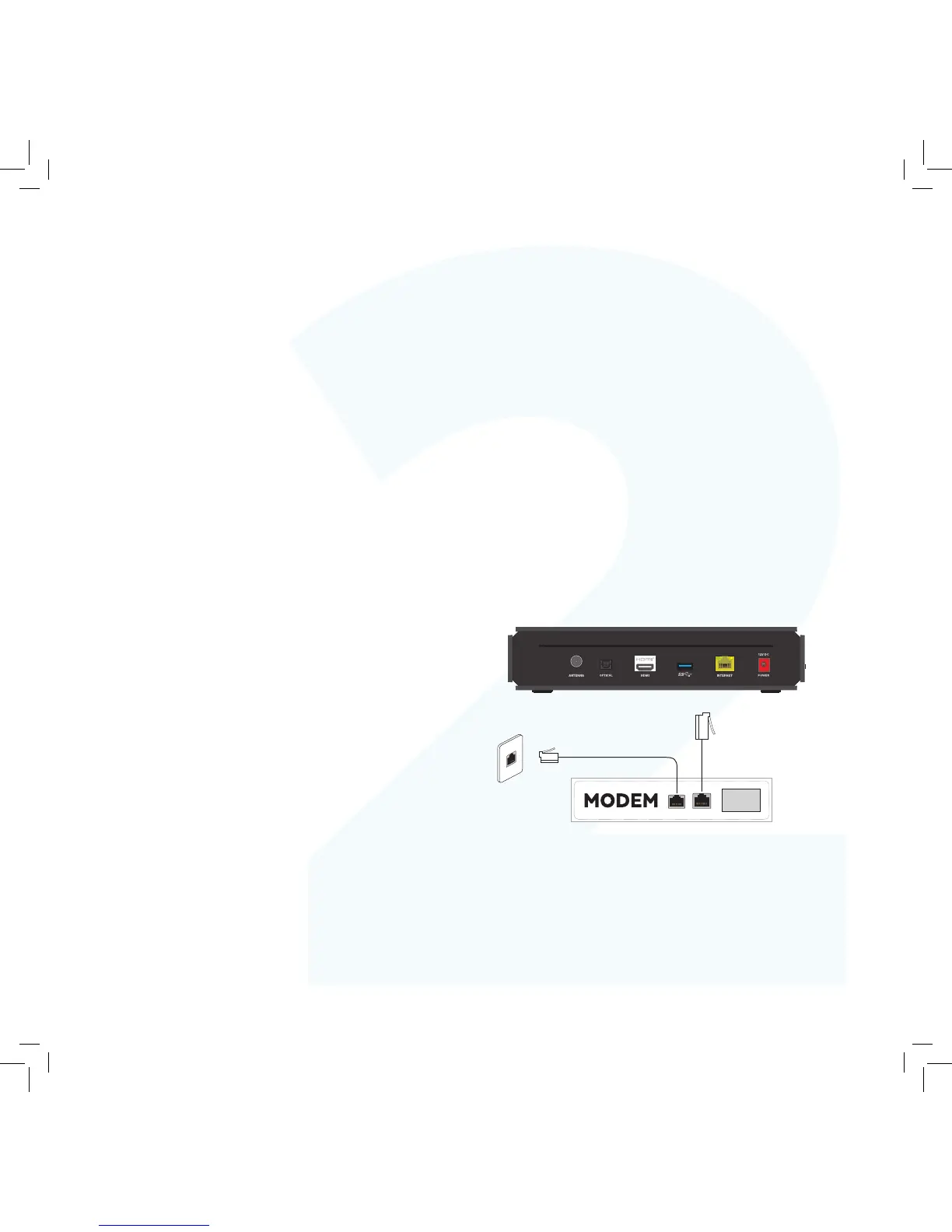
To connect, follow these steps:
1. Plug one end of an Ethernet cable into a free port on your
broadband modem.
2. Plug the other end into the port labelled INTERNET on the
back of your Fetch Mighty.
Connect to your
Broadband Modem
Fetch is delivered by broadband Internet, so you need to connect your
Fetch Mighty to the modem. There are various ways to do this:
Option 1 Option 2
Connect your Modem to your Fetch Mighty via Wi-Fi
Use this option if:
• Your modem is not close to your TV, and
• You have reliable Wi-Fi in the room where your TV is.
If you’re using this connection option you can go straight to Step
3 on Page 10 now. You will set your Wi-Fi up later when you get
to Step 6.
Connect your Modem to your Fetch Mighty via Ethernet cable
This is the most reliable connection option. Use this option if:
• You can run an Ethernet cable directly from your Modem to
your Fetch Mighty.



 To Next Page