11
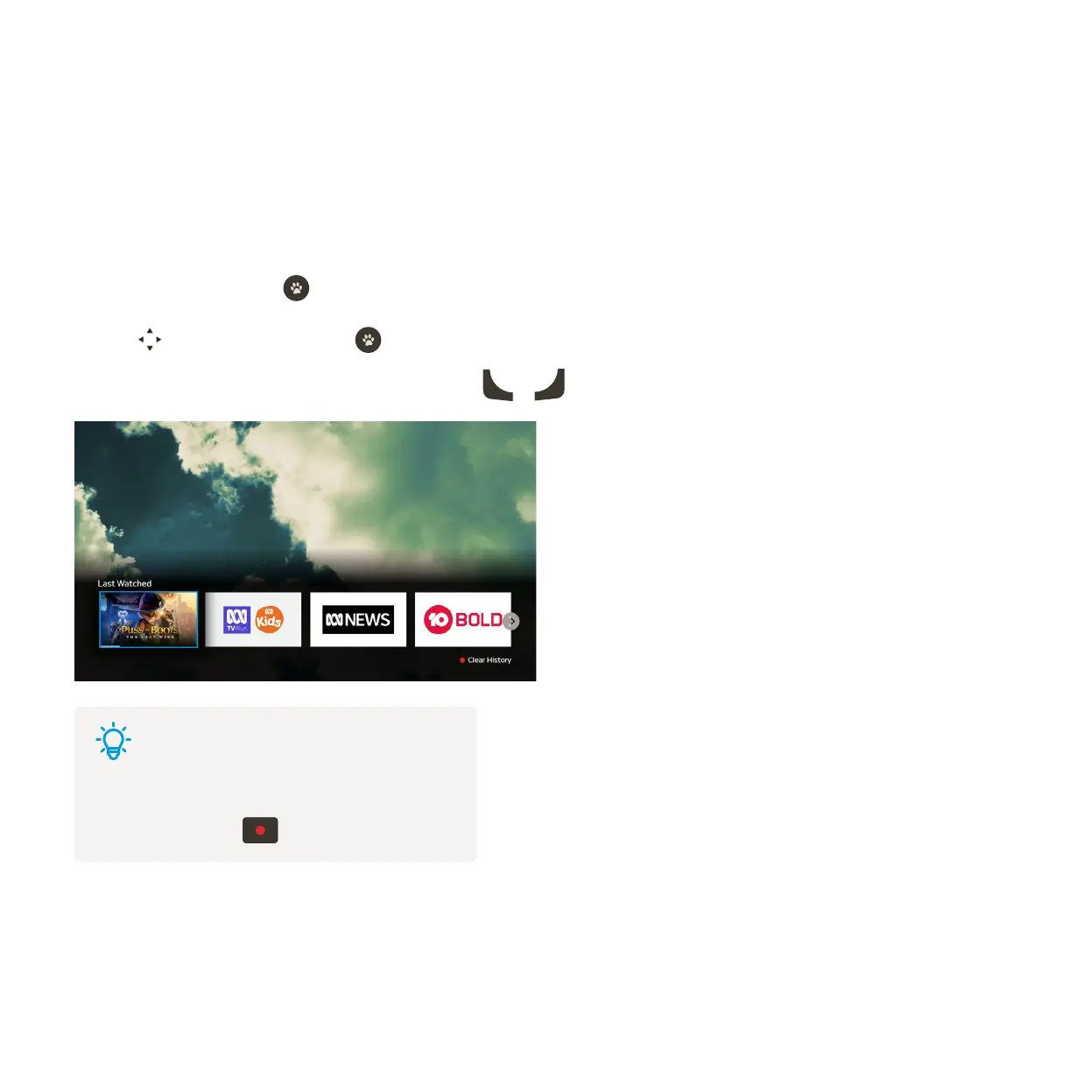
You can jump back to something you were watching previously, anywhere on Fetch – including channels,
episodes and movies. For recordings, programs on TV Apps and purchases from the Store, you can go straight
back to the program you were watching. For streaming apps like Netflix or Prime Video, you can launch the app
to find what you were watching previously through the app.
Last Watched
While watching TV, press . You’ll see a carousel with the last 12 items you watched on Fetch.
Use to select an item and press to watch.
To close and go back to what you were watching press
Back
or
Exit
.
1
2
3
Tips
You can remove items from the Last Watched
carousel, by pressing .



 To Next Page