46
Watching live PPV events
on TV
11
From time to time you can pay to watch live sports and entertainment events on TV. With Pay Per View (PPV)
content, you’ll make a one-off payment which lets you watch a purchased event on your Fetch box, mobile
or tablet when it airs live on TV. You can’t record a PPV event you have purchased. Replays of purchased PPV
Events are available at Menu > Apps > TV Apps several hours after the conclusion of the PPV Event.
How to add a PPV event
To watch PPV
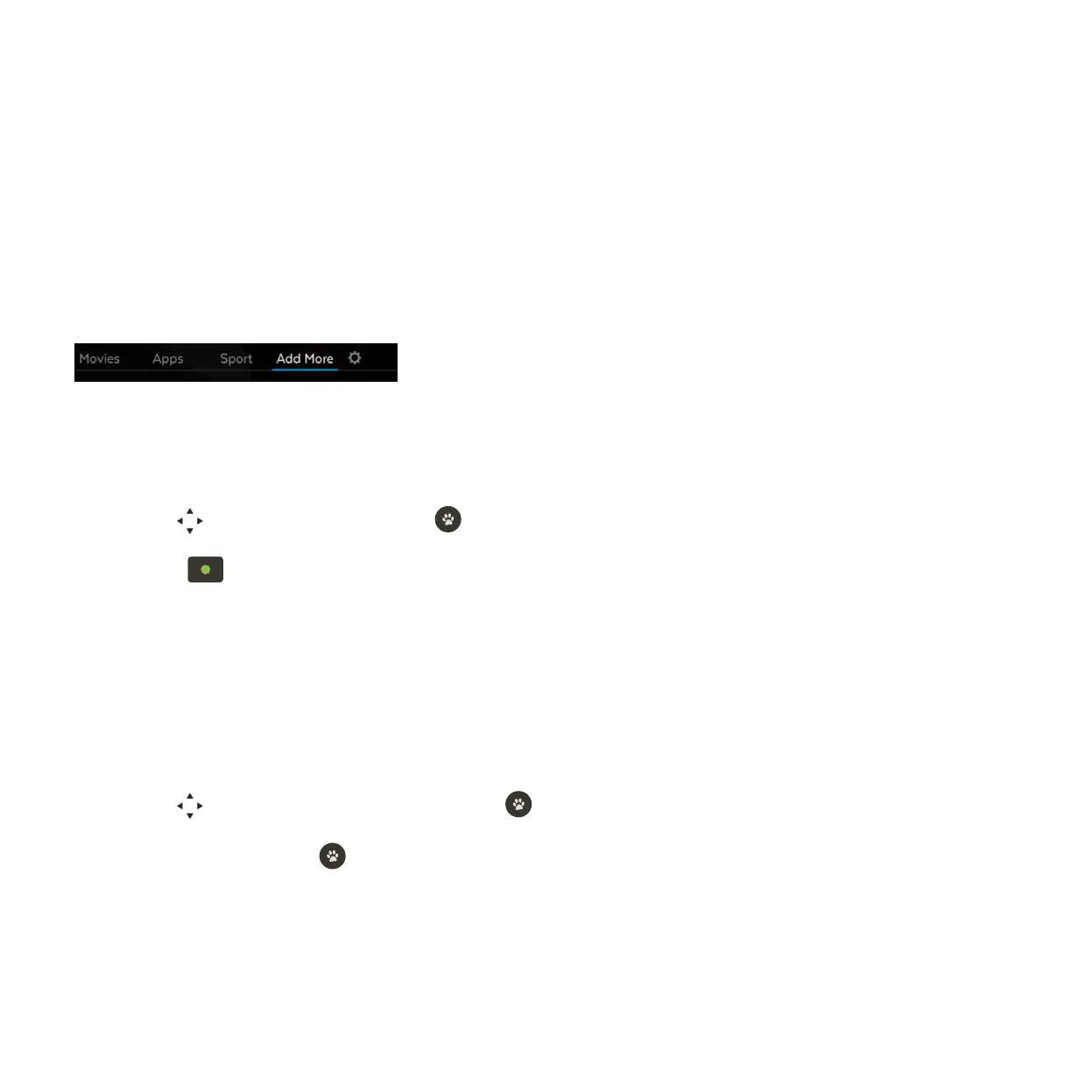
Select Add More from the main menu.
Use to see what’s available and press to select an event.
Press to purchase the event. You’ll need to enter your PIN to confirm the one-off payment.
Please keep in mind, you can’t unsubscribe or cancel once you confirm the purchase of a PPV event -
so you can’t be refunded if you later decide you no longer want to watch the event.
Go to Menu > Guide.
Use to find channel 970 for the event and press .
Choose Watch and press . If you haven’t yet purchased the event, we’ll prompt you to purchase it
now.
1
1
2
2
3
3



 To Next Page