12
The TV Guide is the easiest place to find what you want to watch right now, or record for later. You can move
forwards and backwards through the TV Guide, to go back and find shows that already aired. Set up Favourites to
easily see what’s on the channels you watch most.
Go to Menu > > User Preferences > TV Guide to change your preferred TV Guide view.
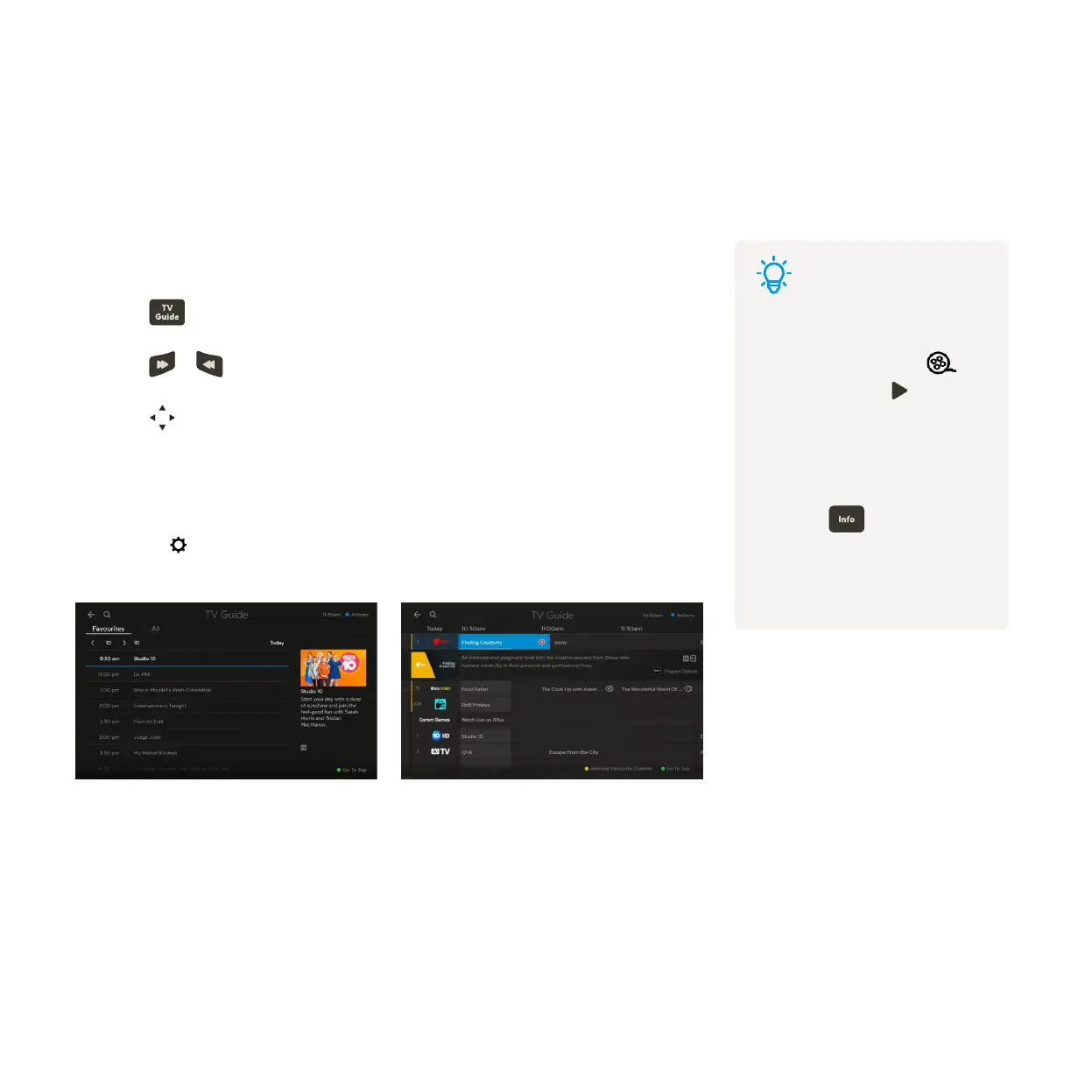
TV Guide Grid View
View all channels and programs at a time
TV Guide List View
View one channel at a time
Using the TV Guide3
Tips
• Movies on TV are flagged
with the movie icon .
• Programs with are ready
to watch anytime, like virtual
playlist channels and shows
that aired and are available
to re-watch.
• Press on your remote
for program info. To change
your TV Guide preferences,
see Page 51.
See what’s on and coming up
Switch between list and grid view
Press on the remote or select Guide from the main menu.
Press
or to skip forward and back a day in the TV Guide.
Press
to find channels and programs in the TV Guide.
1
2
3



 To Next Page