13
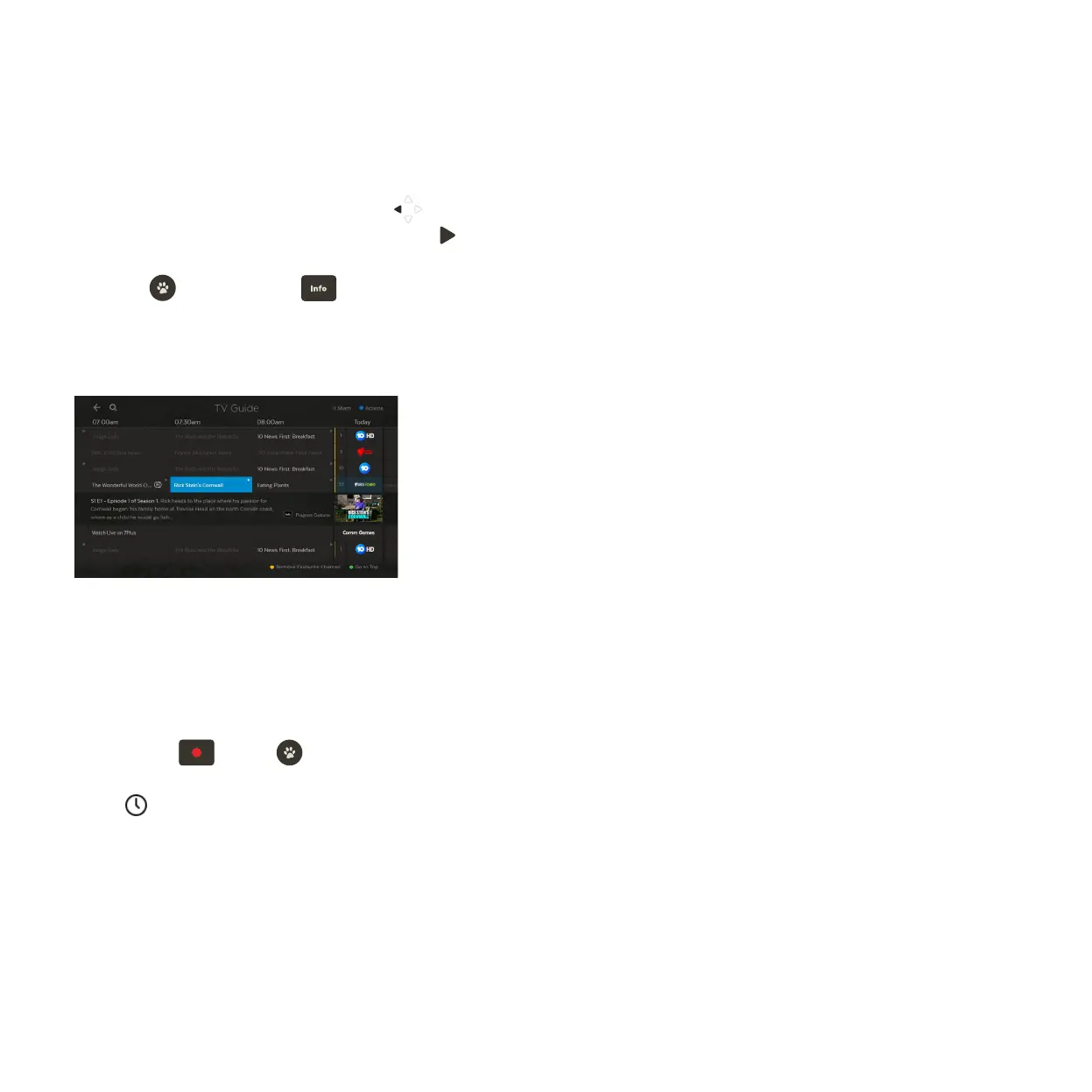
You can go back a day in the TV Guide and watch programs you missed.
You can set a reminder to alert you when your favourite programs are about to start.
TV Guide – Reverse EPG
Set Reminders
In the TV Guide or Live TV Info Bar press to browse backwards into the reverse EPG.
Programs available to re-watch have a play icon .
Press to watch or press for program options.
If there are more ways to watch the show we’ll let you know. The options vary by content
availability, and may include watching a recording or playing the program on an app.
In the TV Guide or Live TV Info Bar, highlight the program you want a reminder for
and press
or press to set a reminder through the Options menu.
A will appear beside programs with a reminder. Repeat the above step to
cancel a reminder.
1
1
2
2
3



 To Next Page