14
Favourites let you set up your TV Guide to group your favourite channels at the top of the guide, so you can
quickly see what’s playing on the channels you watch most.
There are two ways to add channels to Favourites.
You can hide channels that you don’t want to appear in your TV Guide. Go to Menu > > Channels > Manage
Channels and check the channels you want to hide.
Favourites
Hide channels
In Settings
1 Open the Settings area at Menu > .
2 Go to Channels > Manage Channels and select the channels you want to add to Favourites.
From the Info Bar or Guide
1 Open the Guide or Info Bar.
2 Press .
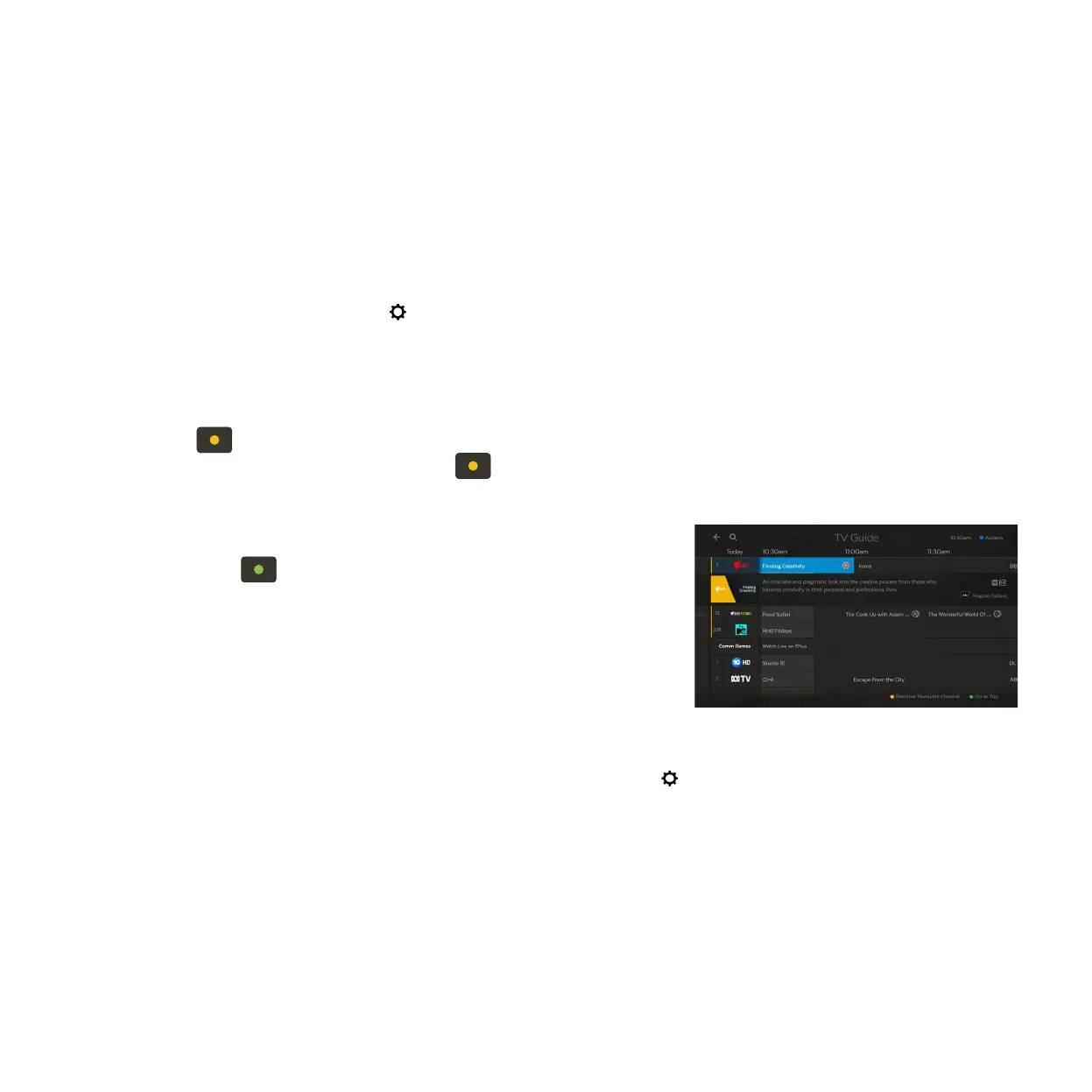
3 To remove a channel from Favourites press .
1
1
2
2
Finding your Favourites
In the Guide, press to jump to the top where your Favourites are pinned.
In the Live TV Channel List (Page 8) scroll down to find your Favourites
grouped at the bottom.



 To Next Page