8
Tips
Watching Live TV
Channel Switch
Use these up and down buttons
to move between channels.
To watch Free-to-Air or Subscription TV channels, press
Menu
then go to Guide to select the channel you want to watch.
If you have been in any other area of the Fetch service you can go
back to watching TV by pressing
Exit
.
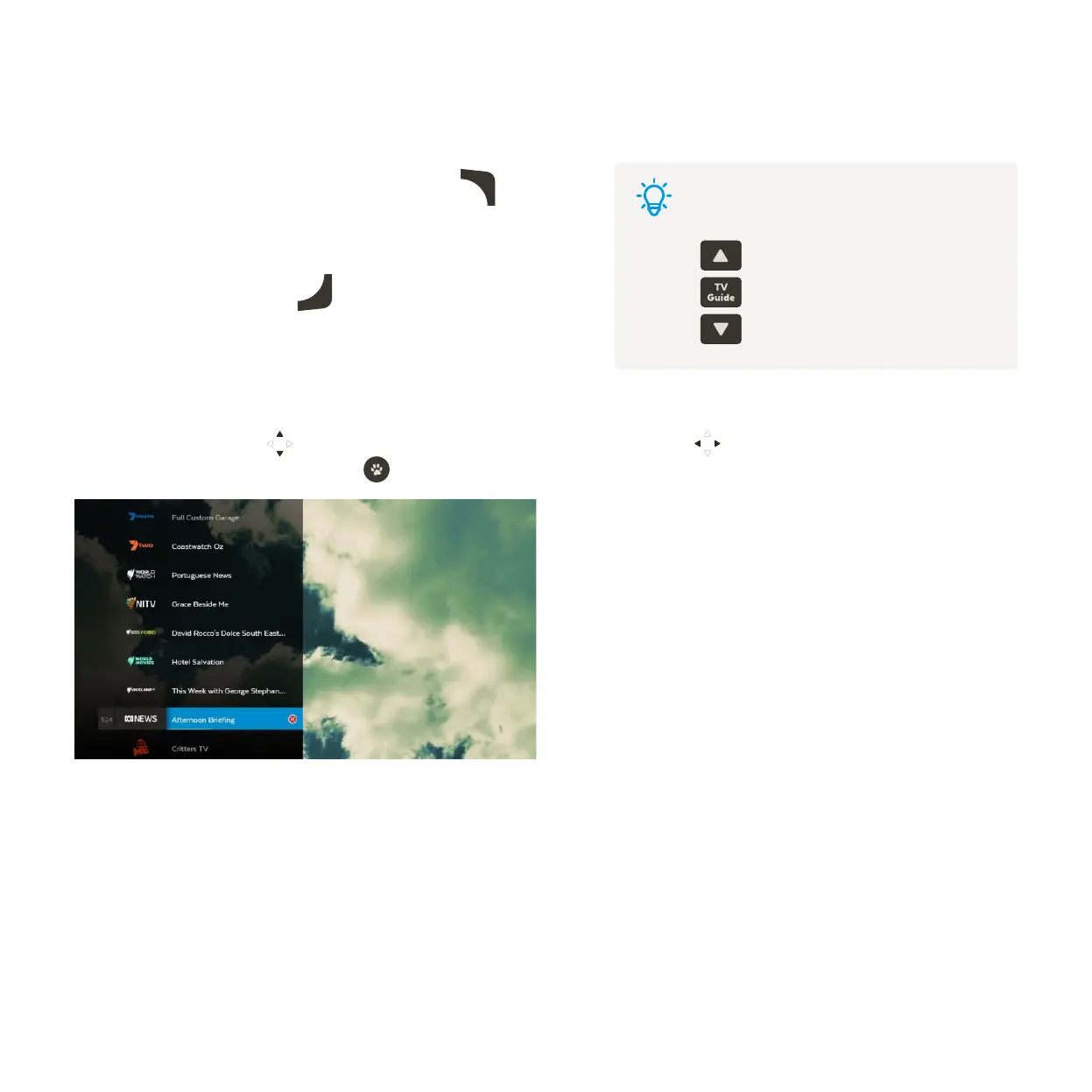
While watching Live TV use to see at a glance what’s playing on other channels. Press to go forward or
back. If you find something you like press
to launch the channel.
2
Watch Live TV – Channel List



 To Next Page