9
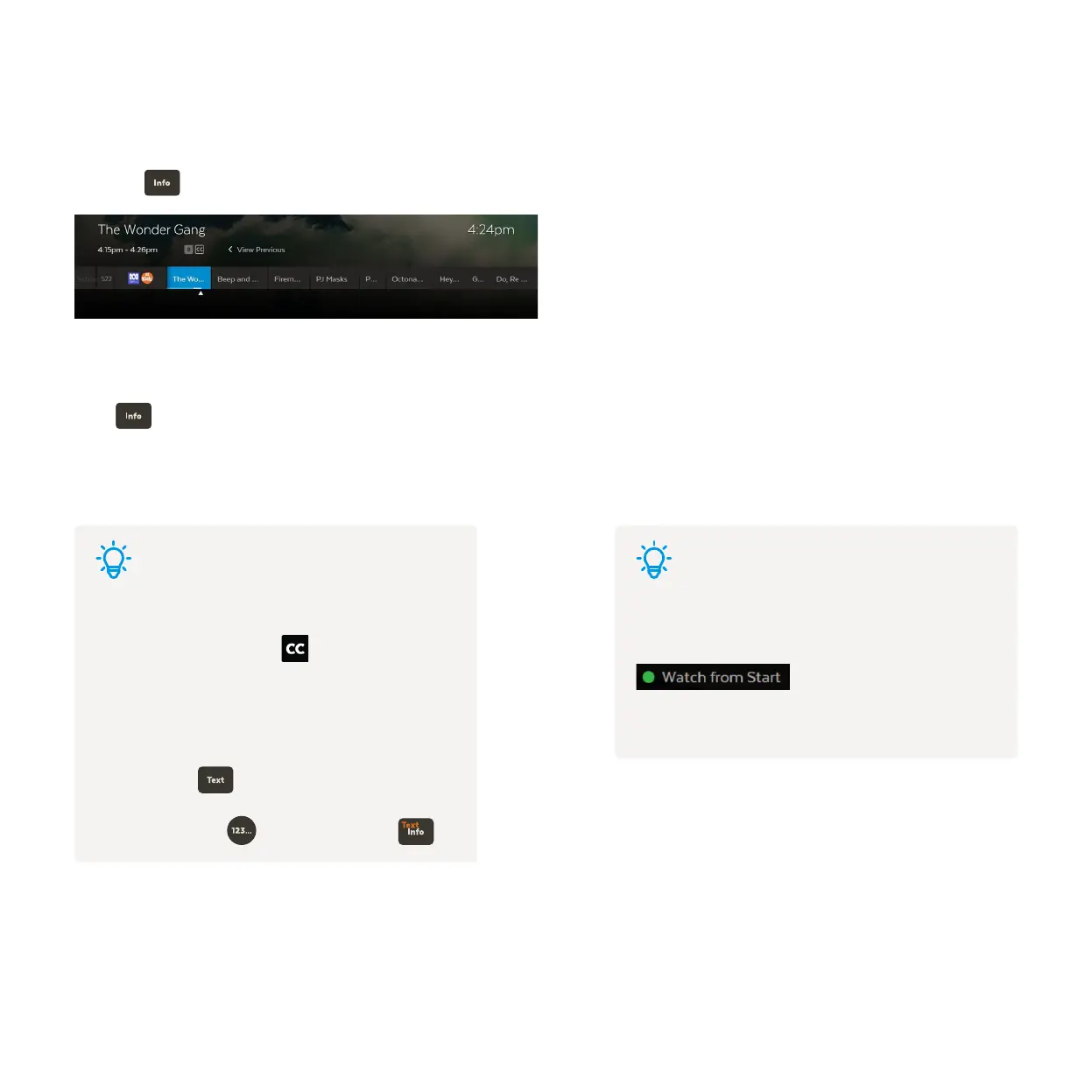
While watching Live TV the Information Bar appears anytime you change channel or when
you press on your remote.
You can go forward in the Info Bar to see what’s coming up or back to catch up on shows you’ve missed.
Press twice to see more detail on the highlighted show or to access options to record.
The Info Bar will disappear after about 5 seconds, or you can press Info again to remove it immediately.
Watch Live TV – Information Bar
Tips Tips
Closed Captions
When you see this symbol on a program from
the Information Bar, it means there are Closed
Captions available.
To turn on Closed Captions while watching a TV
channel, press on your remote. Repeat to turn
off Closed Captions again. On some remotes you
may need to press first and then press .
Watch from Start
If you’re late to a show and see
it means you can press the green button to replay
the show from the beginning.



 To Next Page