28
Adding more Channels7
Bite-sized channel packs can be added on a month-to-month basis. You can add one or multiple packs, with 5
to choose from:
• Kids Pack (7 channels)
• Vibe Pack (8 channels)
• Variety Pack (10 channels)
• Knowledge Pack (18 channels)
• Ultimate Pack (40+ channels, including all of the channels from the above packs)
*Channels and content subject to change.
The minimum contract term on each pack is
1 month, and you can add or remove them at
any time with no ongoing costs.
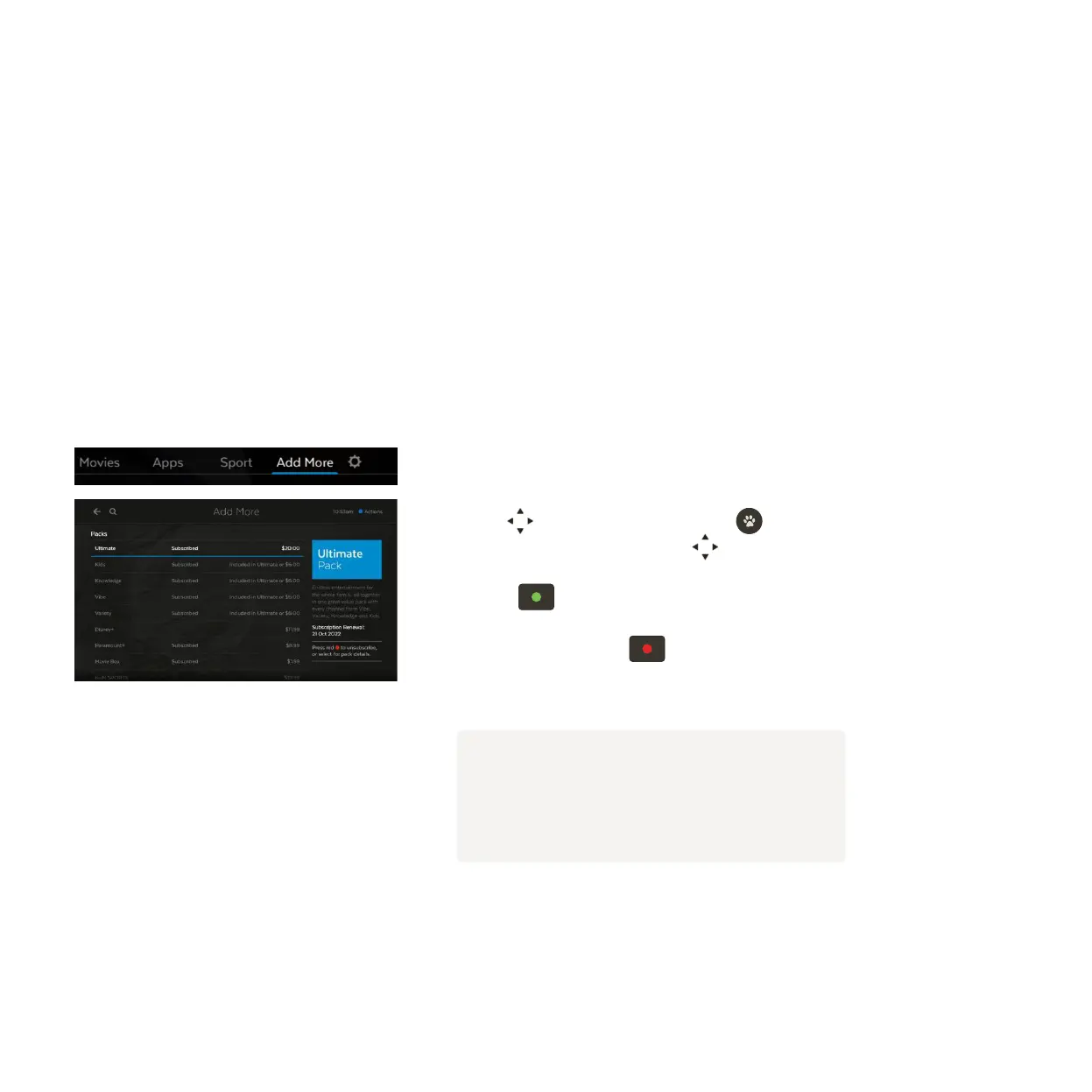
How to add a pack
Select Add More from the main menu.
Use to see available packs. Press to select pack.
Explore channels in pack using .
Press to subscribe to a pack.
To unsubscribe, press
. Subscriptions on channel
packs are for a minimum of 1 month.
1
2
3
4
Note
You need a current subscription to a channel pack
to watch recordings made on a channel too.



 To Next Page