47
Continue Watching from My Stuff12
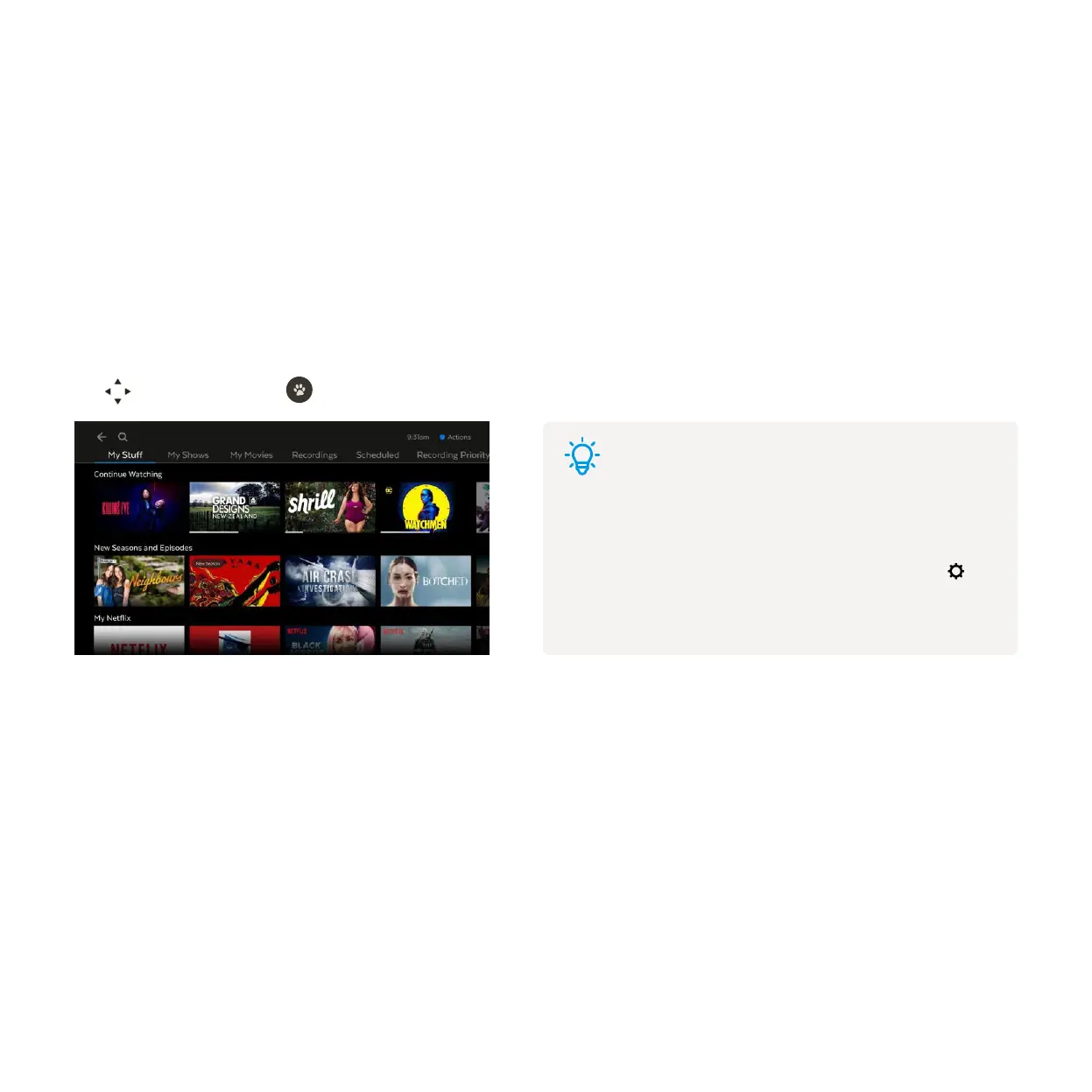
My Stuff is the easiest place to get back to what you were watching – anywhere on Fetch. As you watch shows
and movies, add to My Stuff, or set recordings, they’ll be added to My Stuff so you can easily jump back into
them again.
Continue Watching carousel
New Seasons and Episodes carousel
Apps carousels
The Continue Watching carousel in My Stuff keeps track of your recently watched items and includes Recordings,
Free-to-Air TV Apps, and the Movies and Shows stores.
Use to navigate and press to resume.
The New Seasons and Episodes carousel includes new episodes of shows you’ve watched.
As you scroll down the My Stuff screen, you’ll see carousels for streaming apps you’re subscribed to, so you can
continue watching these too.
Tips
Continue watching on another Fetch box
You can start watching in one room and resume playback on
a connected Fetch box too. To set this up, go to Menu > >
Multiroom > Options. For more info, download the Multiroom
User Guide.



 To Next Page