45
Team Recordings
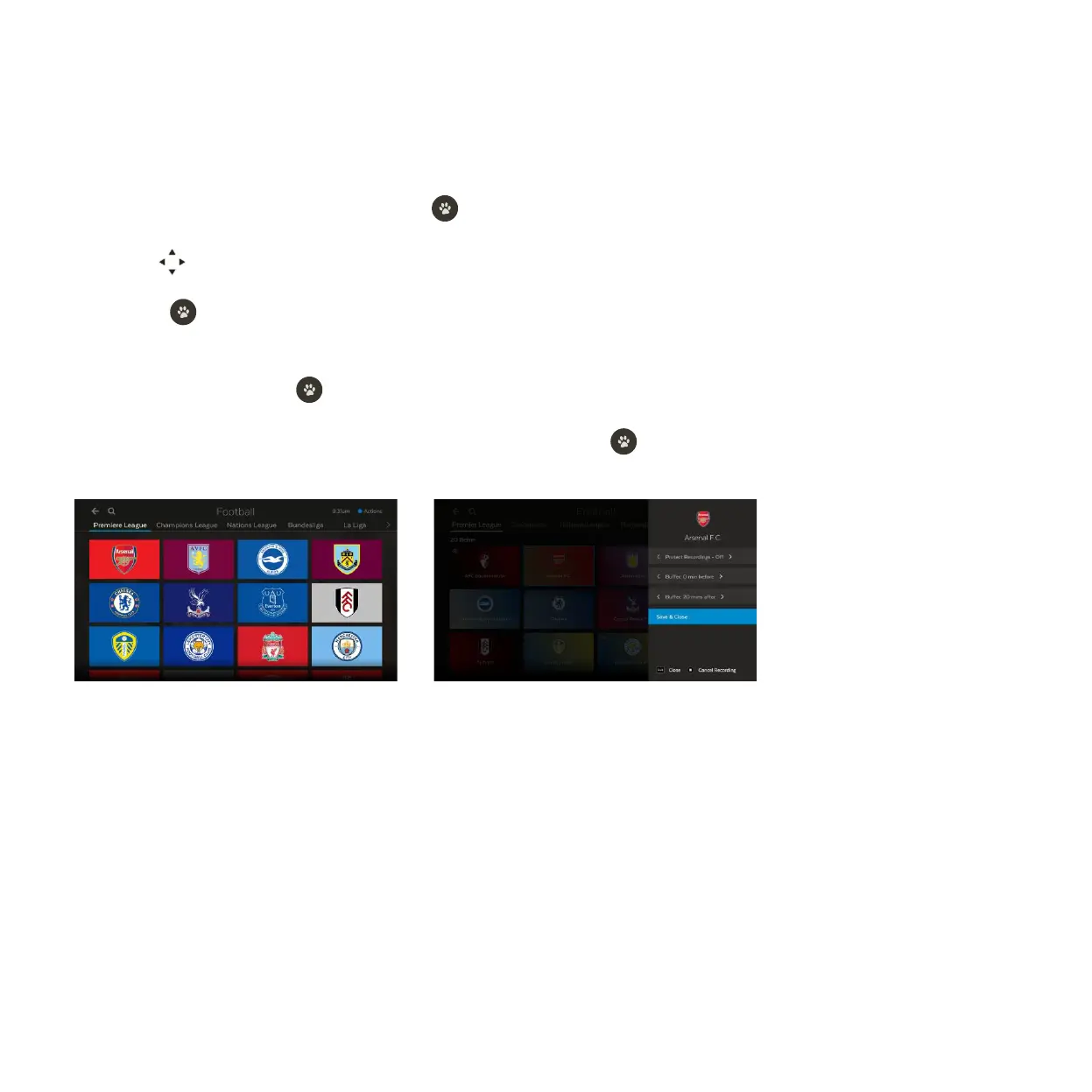
Set Team Recordings to record all matches your team plays in (available for selected sporting events).
You can prioritise your Team Recordings at Menu > My Stuff > Recording Priority (see Page 22).
Select Sport from the main menu and press .
Use to scroll down to the Team Recordings carousel and browse sport categories.
Press to open the category screen. Use the competition tabs along the top of the screen to choose a
competition.
Select a team and press to display Team Recording options.
Change the options if you wish, then select Confirm & Close and press .
1
2
3
4
5



 To Next Page