16
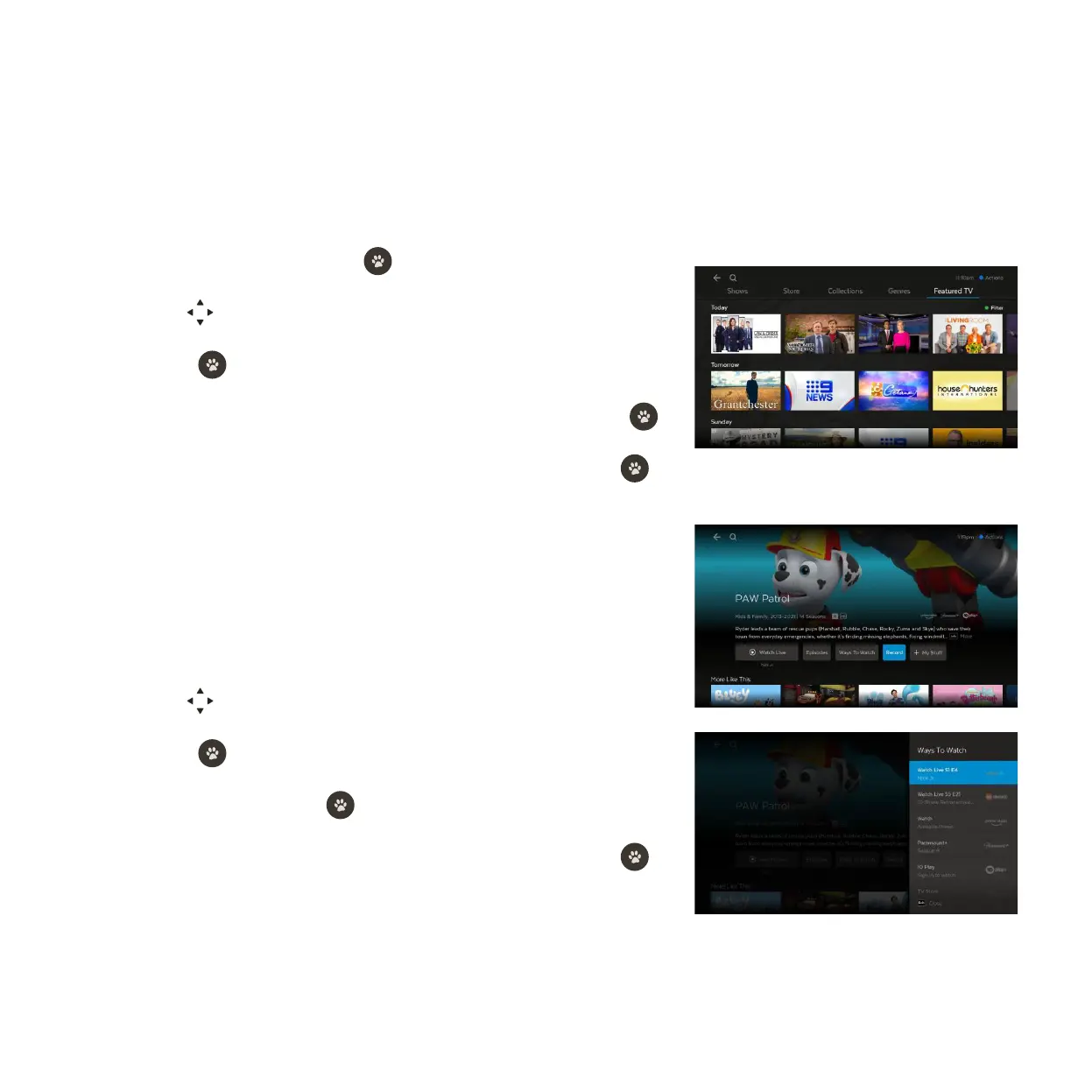
Using Featured TV
From the movie or show details screen
There are loads of shows available on TV that you can record to watch at any time. Featured TV makes it
easy to find upcoming shows and set recordings.
Go to Menu > Shows.
You can set a recording for a show or movie available on a TV channel from the
details screen.
Go to Menu > Shows or Menu > Movies.
3
4
Select Featured TV and press .
Use to explore shows on today, tomorrow or later in the week.
Press to view the show info and options.
Find the show you want to record, highlight Set Recording and press .
Change the options if you wish, then select Save & Close and press
.
Use
to explore titles.
Press to view the info and options.
Select Record and press .
Change the options if you wish, then select Save & Close and press .
1
1
2
2
3
3
4
4



 To Next Page