18
Each tuner in the Gen 2 and Mighty boxes can record two channels from the same group at the same time. For
example, on the Mighty you can record 2 shows from the Ten group, 2 from the Seven group and 2 from the
ABC group all at the same time, while you’re watching another channel.
There are no channel groups for subscription channels. You can record any 2 subscription channels on Gen 2 or
any 3 subscription channels on the Mighty at the same time.
The number of subscription channels you can record at a time also depends on the bandwidth limit in User
Preferences (Page 50).
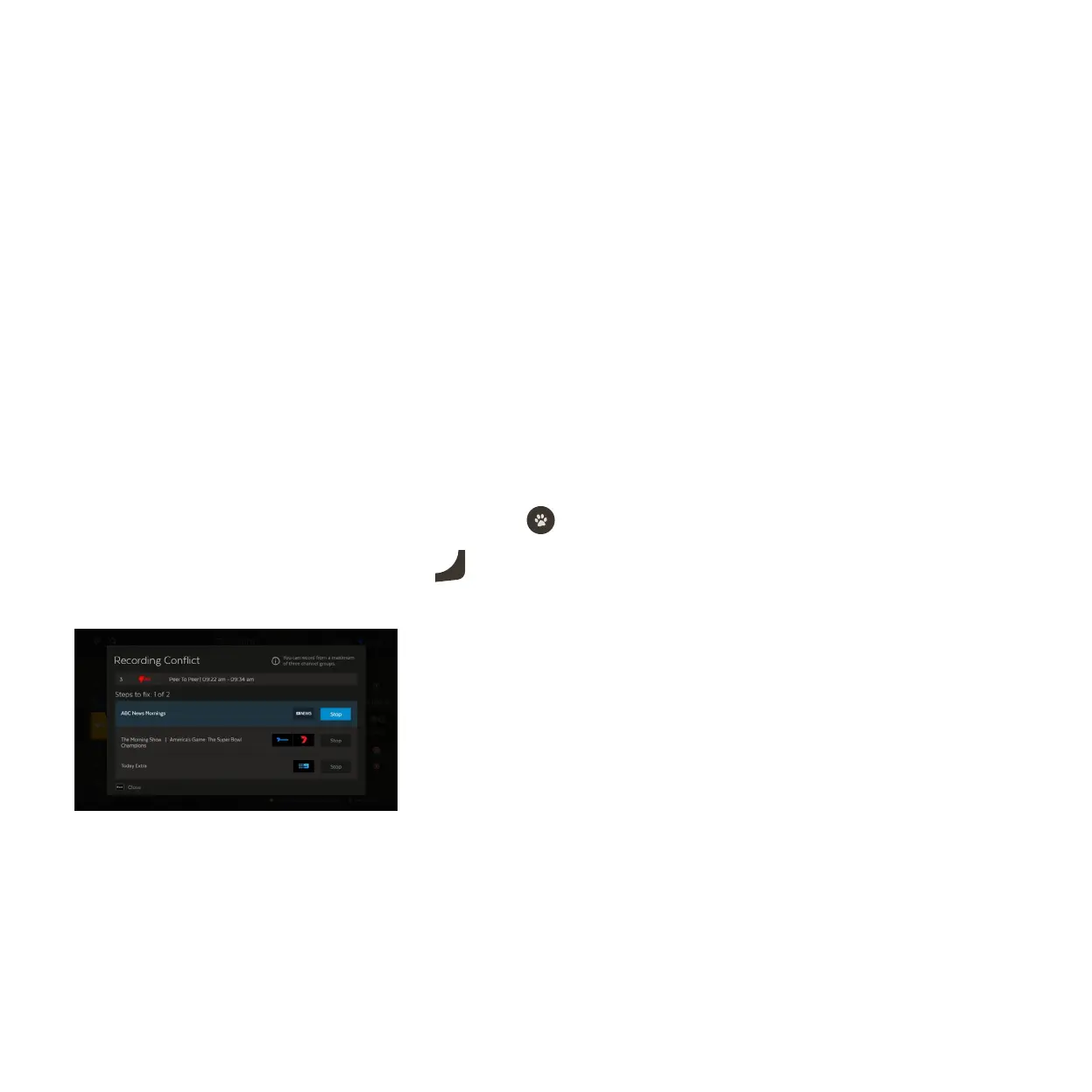
When you schedule a recording that creates a conflict, you will be prompted to cancel one of the recordings.
Select Stop next to a recording you want to cancel and press
.
Select Confirm Recording to go ahead, or press
Exit
to close without stopping existing recordings.
A recording conflict arises when you try to schedule too many recordings at the same time.
1
2
3
Recording conflicts



 To Next Page