23
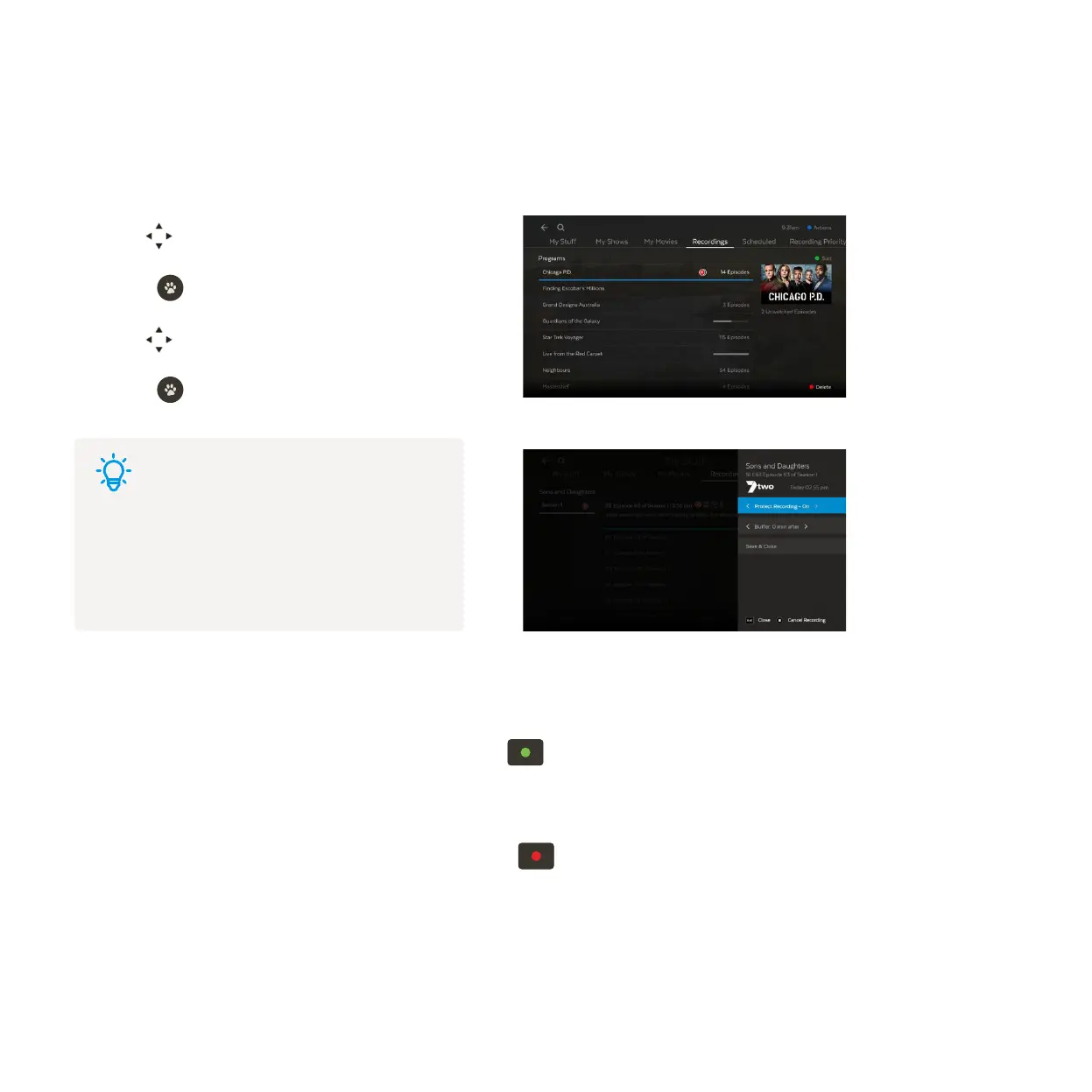
Protecting your recordings
Sorting by season and episode
Use to select a recording.
Press to activate the options menu.
Use to navigate the options.
Press to confirm your selection.
You can protect important recordings from being deleted by using the Protect Recording feature. Go to your
recordings, select Modify Recording and Protect Recording – On.
To make recordings easy to find they’re grouped by Season and Episode. For more ways to sort recordings, go to
Menu > My Stuff > Recordings. Highlight a recording then press
.
If you set up a Series Recording to Record All Seasons, the box will record every episode of the show that airs,
whatever season it is from. If you’re only interested in the most recent seasons highlight the seasons you don’t
want to keep in your recordings list and delete them by pressing . To change the season option, see Page 21,
“1 Set the seasons you want to record”.
1
2
3
4
Tips
These steps are for protecting a single recording.
To protect recordings that are part of
a Series Recording, see Page 21 , “2 Set the
number of episodes you want to keep”.



 To Next Page