26
Buy a show from the Store
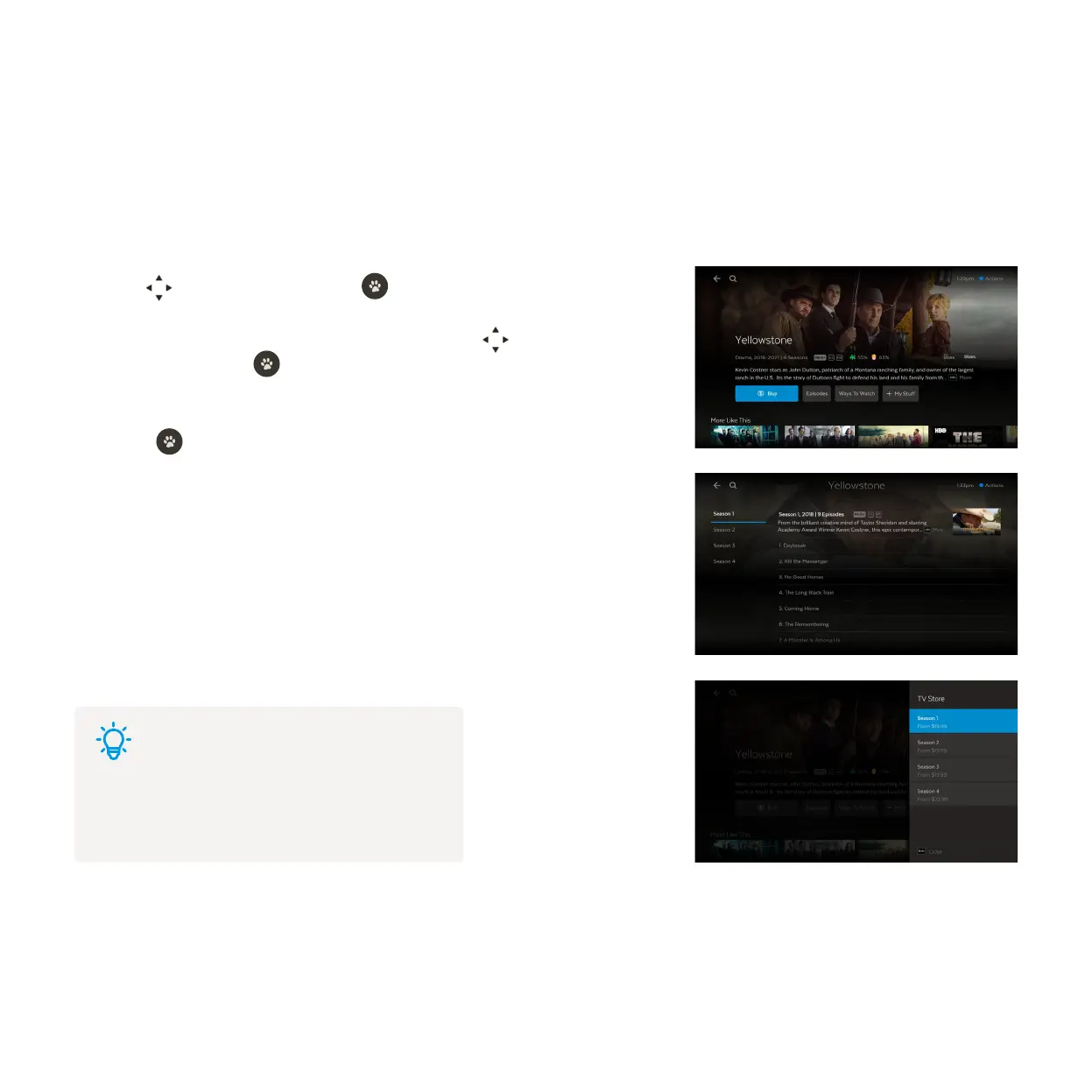
Use to select a show and press .
To buy an episode rather than the whole season, use to highlight
Episodes and press . Choose the episode you’d like to purchase.
To buy an episode or season, you’ll be asked to enter your Parental PIN and
press . You can choose to buy the SD or HD format if available.
Once you confirm the purchase the amount will come off your credit card for
Fetch retail customers or will be added to your next month’s bill from your
Fetch Service Provider.
If your purchase is successful the first available episode will download ready to
play.
In the Store you can buy individual episodes or full seasons of some of the most popular TV shows. TV shows
can’t be rented. When you buy a TV episode or season you are buying the right to watch it as often as you like
on your current Fetch subscription with your current Fetch Service Provider.
Go to Menu > Shows > Store.
1
2
3
4
Tips
To find shows you purchased from the Store, go to
Menu > My Stuff > My Shows (see Page 48).



 To Next Page