32
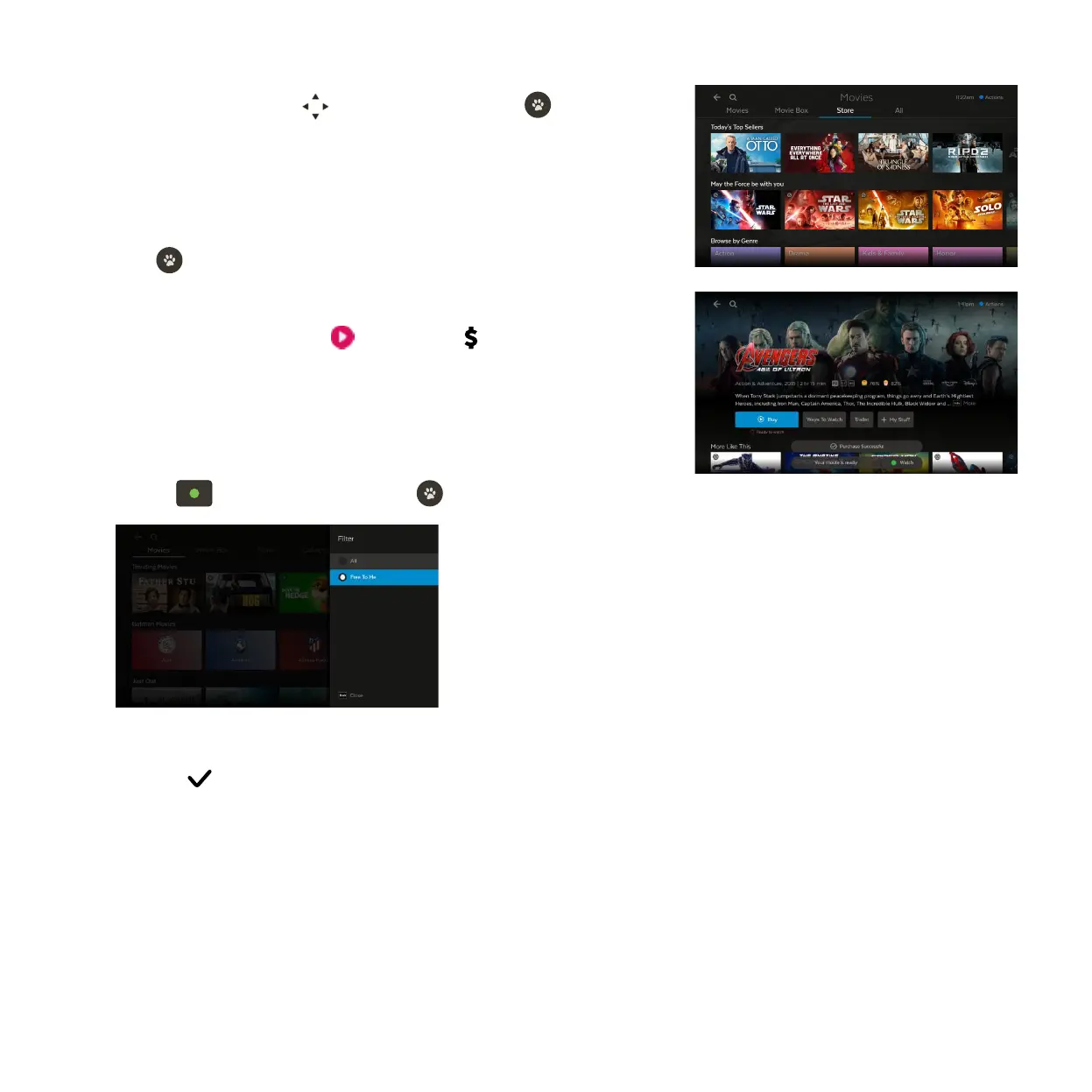
To buy or rent a movie use to select a movie and press .
From the movie details screen, you can watch the trailer (if available),
rent or buy the movie or add the movie to My Stuff for later.
To get a movie you will be prompted to enter your Parental PIN and
press .
You can choose to rent or buy the SD, HD, or 4K format if available.
If your purchase is successful a will replace the on the title
image and the movie will download ready to play.
1
2
3
4
Finding your movies
There are a few ways you can find your movies:
• To filter movies by those you’re entitled to watch, go to Menu > Movies
and press . Select Free to me and press .
• To find movies you purchased, go to Menu > My Stuff > My Movies and
look for the symbol (see Page 48).



 To Next Page