42
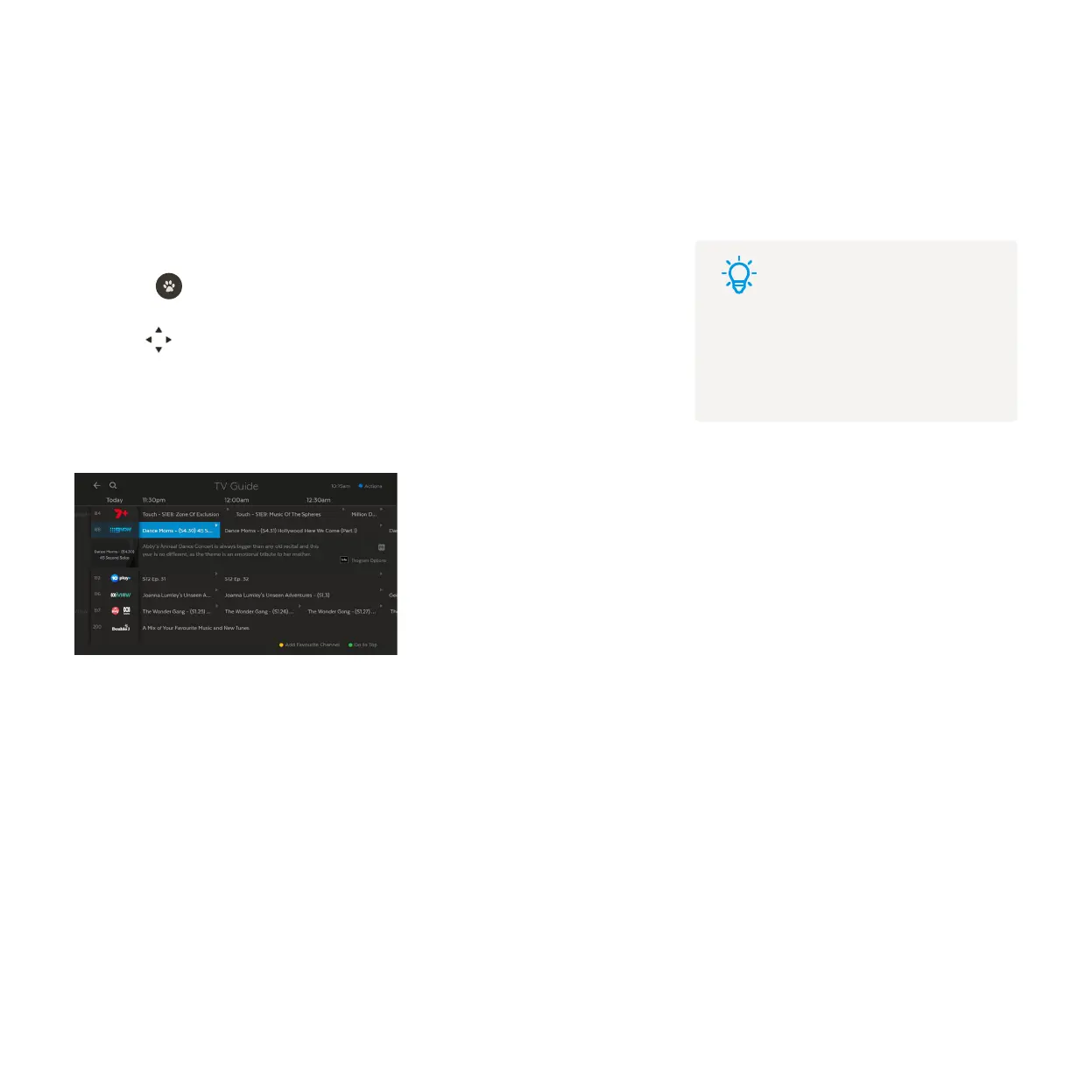
Launch TV Apps from the Guide
You can browse or watch a selection of TV Apps as virtual playlist channels, including SBS On Demand, 7plus,
9Now, 10 play, ABC iview, and ABC Kids. You can pause, fast forward and rewind or use the Info Bar to jump to
the next or previous shows. You can’t record virtual playlist channels as they’re not live.
To watch, go to the channel number, or select Guide from the main menu and
press .
Use to navigate down to the TV Apps channels in the guide at channel 180
onwards.
Select any show or episode to watch.
1
2
3
Tips
You can find shows you watch on
these channels at Menu > My Stuff >
My Shows.



 To Next Page