10
For factory or qualified service professional use only
How to calibrate the flow rate
Set the flow rates of components to adjust for taste profile and for over or under potting.
Built-in algorithms in Brewer controller software corrects brew parameter to customer preferences or to trim variations in flow control components
NOTICE: This operation requires operator hold finger on keypad position for one minute—without lifting it.
1) MEASURE THE FLOW RATE:
-Enter programming mode, scroll left to “OUTPUTS”
-Scroll down to “Left(or)Right Valve Test”
-Place 5 liter/2gal measuring container under empty brewbasket.
One good way to measure is to weigh the test water. Use a scale for at least 5 kg/12lb
-Press To Test the Brew Valve. Æ
! Keep finger on touchpad for one minute! !!DO NOT STOP!!
It is very important for this test to keep finger in place for the entire minute.
Measure the results of the flow in the 5-liter measuring container and hold the number.
2) AUTOMATIC Built-in CALIBRATE THE FLOW RATE
-Enter this number, in milliliters, into the calibration slider for the Valve tested in the OUTPUT MENU.
-Use milliliters
. If measured in fluid ounces (fl.oz) multiply by 29.57 to convert to milliliters
-After entering the measured volume, exit PROGRAMMING and return to the normal screens
3) MANUAL METHOD Operator input: CALIBRATE THE FLOW RATE
Use the amount measured, in milliliters, divided by programmed value and multiply by the current setting
Actual Volume
3400 ml p m
|_________[]________|
3000 3800
Å Example of
CBS-2150 brew
valve slider
Programmed Volume
X
CURRENT
SETTING
=
NEW
SETTING
Enter new setting on
the slider shown and
EXIT to save
Obtain programmed volume from “PROGRAM” Menu under “Batch Summary”.
Note—match correct batch number to correct side, if two sided.
B
enterin
the new flow rate number into the brewer, the software automaticall
corrects the valve flow discrepanc
Hot water convenience tap
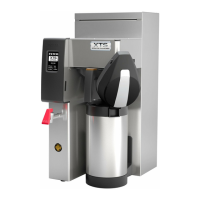
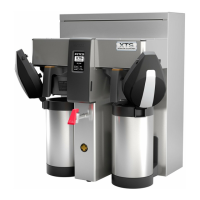
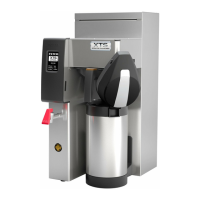
1. The XTS_Series coffee brewers include a hot water convenience tap for single cup beverage purposes.
2. Single use delivery volume should not exceed maximum 16fl.oz/473cc.
3. Water dispensed from this faucet is very hot, up to 205°F/96°C


 To Next Page