11
Insert Brewbasket!
OTHER
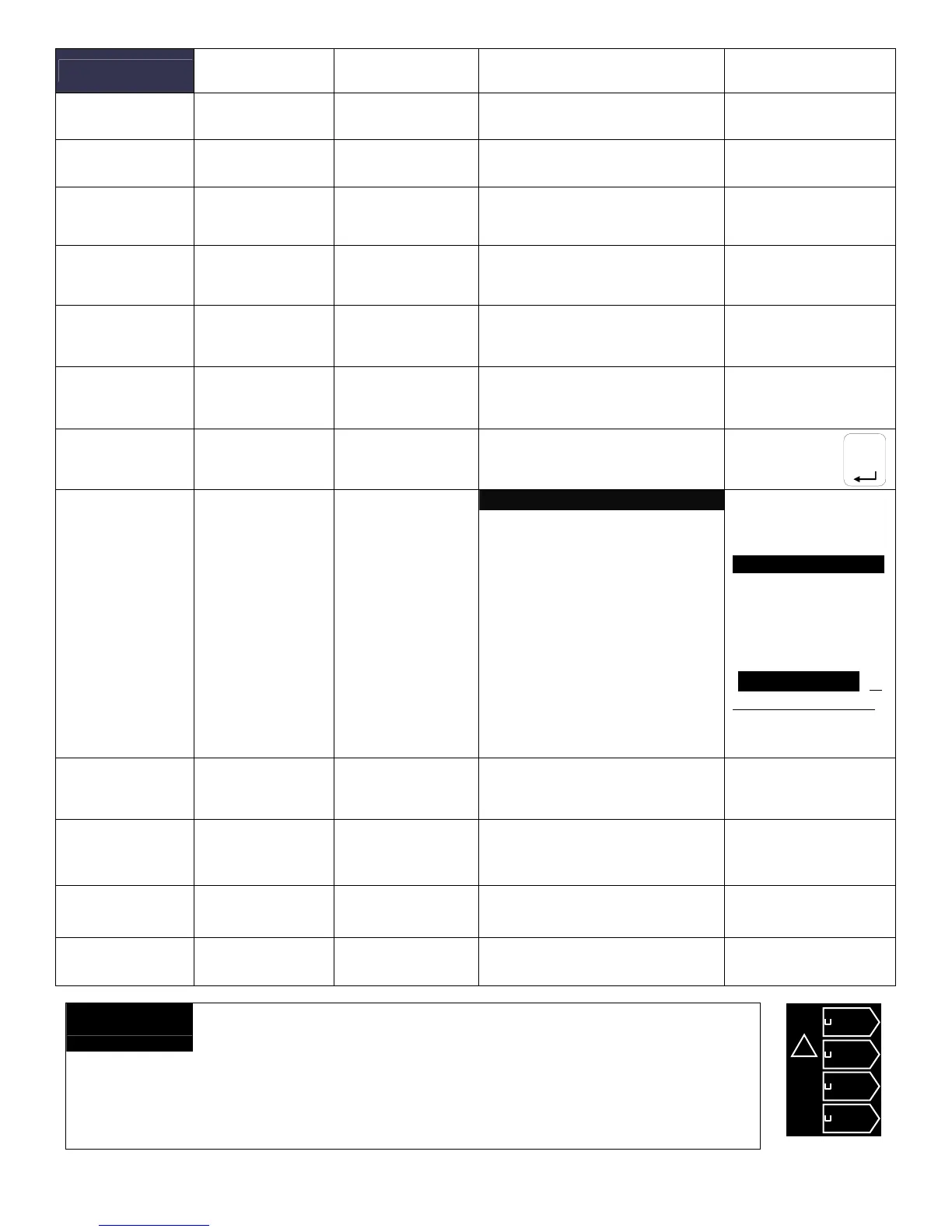
Programming
Items
Factory set
Default
Programming Range
(display)
Notes
Error Codes
• Display Errors (Codes)
1:
2:
3:
See Error Code Chart
for references
• Reset Errors
(Reset)
Reset
|_______________[]____|
YES NO
!!Errors must be
corrected and cleared!!
Copy Program
• From SD to B.
SDÆ Brewer
SDÆ Brewer
|________________[]____
YES NO
Setup upload
---------------------------------------------------------------------------
-
Please insert SD card with
the setup data!
• From B to SD
BrewerÆ SD
BrewerÆ SD
|________________[]____|
YES NO
Setup download
---------------------------------------------------------------------------
-
Please insert SD card with
sufficient space
(≥2GB)
Upload Logo
Upload Logo
UPLOAD LOGO
Are you sure
|________________[]____|
YES NO
Please insert SD card
with logo file!
Res to Factory
& Select
Brewer Type
See next line:
“Select Brewer
Configuration”
Reset to default
Reset to Default
Are you sure
|________________[]____|
YES NO
Completely overwrites
all user setup, incl.
user logo.
Select Brewer
Configuration
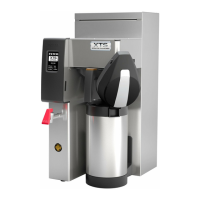
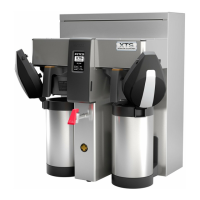
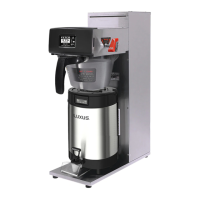
CBS_2131 3L; CBS_2131 1G
CBS_2132 3L; CBS_2132 1G
CBS_2141; CBS_2142
CBS_2151; CBS_2152
Screen appears
after pressing “Res
to Factory”
..[Above]
Select Model
CBS [2131-2152]Series
|________________[]____|
Scroll to your
brewer and tap
ENTER tab
Total Counters
Counters
• Display Counters
-OR-
• Display
Resettable
Counters
Counters
Display Total
Counters
Left Brews
Left Brew activated
Left Brew [gal]
Left Bypass activated
Left Bypass [gal]
Right Brews
Right Brew activated
Right Brew [gal]
Right Bypass activated
Right Bypass [gal]
Fill valve Activated
Fill Valve [gal]
Heater Activated
Heater “ON” time
Touch To Return
0
0
0
0
0
0
0
0
0
0
0
0
0
0
0:00
Identical screen for
Resettable Counters
Will display when
selected. See next
line to reset to zero
NOTE:
“Total Counters” is
not user resettable
Reset Counters
• Resets
Counters
Reset All
Counters
Reset All Counters
Are you sure
|________________[]____|
YES NO
Resetting will restart
counter from zero
Firmware
• Firmware
Version
-Software type
Display Firmware
Version
CBS_2152 [or model type]
SW ver 2.1.0Z
HW ver 1.1.3
QP ver. 4.5.01
Displays firmware
version
• Update
Firmware
UPDATE
UPDATE
|________________[]____|
YES NO
Firmware upload
---------------------------------------------------------------------------
-
Please insert SD card with
the firmware file!
DEMO Mode
DEMO ON/OFF
OFF
|________________[]____|
ON OFF
Demonstrates the controls for
training. Disables all
components in demo mode.
Error code 001: Software error-error on start up or corrupted software
Error code 50: Shorted temperature probe
ERROR CODES
Error code 51: Open temperature probe
Error code 100: Initial Fill Error. Initial fill time was more than 4 minutes after power up.
Error code 101: Error on refill
Error code 102: Unwanted fill; possible leak
Error code 103: Liquid level probe fault
Error code 201: Heater open, high limit thermostat, or Solid State Relay (SSR) fault
Error code 255: Touch pad error, usually from longer than 2 min touch contact
ENTER
Regular 1
1.50
05:30
Regular 2
1.50
05:30
Deca
1
1.50
05:30
Regular 1
1.50
05:30
INSERT
BREW
BASKET


 To Next Page